
This post may contain affiliate links. As an Amazon Associate, I earn from qualifying purchases at no extra cost to you.
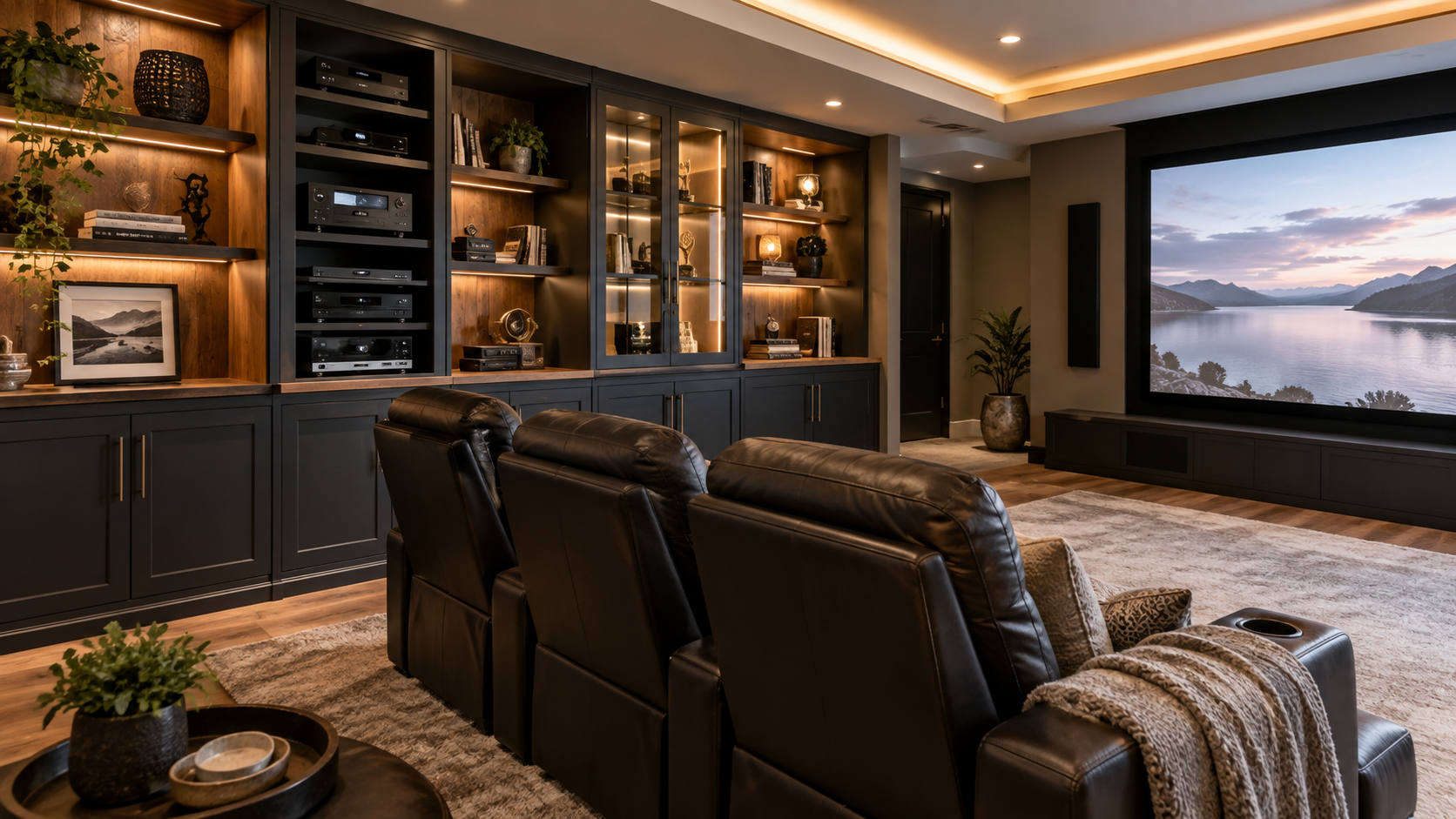
A beautiful home theater can quickly lose its polished look when remotes, game controllers, Blu-rays, cables, and electronics start taking over the room.
The right media storage and display cabinets for home theaters solve that problem while adding another layer of style to the space.
Good media furniture can conceal everyday clutter, protect equipment, organize cords, provide ventilation for electronics, and create attractive display space for movie memorabilia or décor.
Whether you have a dedicated theater, a cozy movie room, or a family media space, thoughtful storage can make the entire room feel calmer, more intentional, and easier to enjoy.
Quick Guide to Home Theater Media Storage
| Cabinet Style | Best For |
|---|---|
| Enclosed media cabinet | Hiding equipment, discs, cables, and accessories |
| Open shelving | Easy access to electronics and frequently used items |
| Glass-door cabinet | Displaying collectibles while reducing dust |
| Wall-mounted console | Smaller rooms and modern media walls |
| Tall media tower | Blu-rays, games, DVDs, and narrow spaces |
| Combination storage | Mixing hidden storage with decorative displays |
Before choosing furniture, take a quick inventory of what you actually need to store. AV equipment, gaming accessories, physical media, blankets, remotes, and collectibles may all require different types of storage.
If the whole room could use a reset, my guide on organizing a home theater offers practical ideas for keeping everything, from electronics to movie-night accessories, under control.
Why Media Storage Matters in a Home Theater
Home theaters naturally collect a lot of small items.
Controllers end up on seats, remotes disappear between cushions, cables gather behind equipment, and movie collections slowly spread across shelves.
Dedicated storage gives those items a permanent home.
The most attractive rooms usually balance hidden storage with a small amount of display space. Closed cabinets keep less attractive items out of sight, while a few open shelves can hold books, memorabilia, framed artwork, or favorite collectibles.
That balance keeps the room personal without making it feel busy.
The back of the theater is often an ideal place for this type of furniture. My guide to home theater back wall ideas includes several ways to combine cabinetry, décor, and functional storage without distracting from the screen.
Types of Media Storage and Display Cabinets
The best cabinet depends on the room, your equipment, and how much you want visible.
Enclosed Media Cabinets
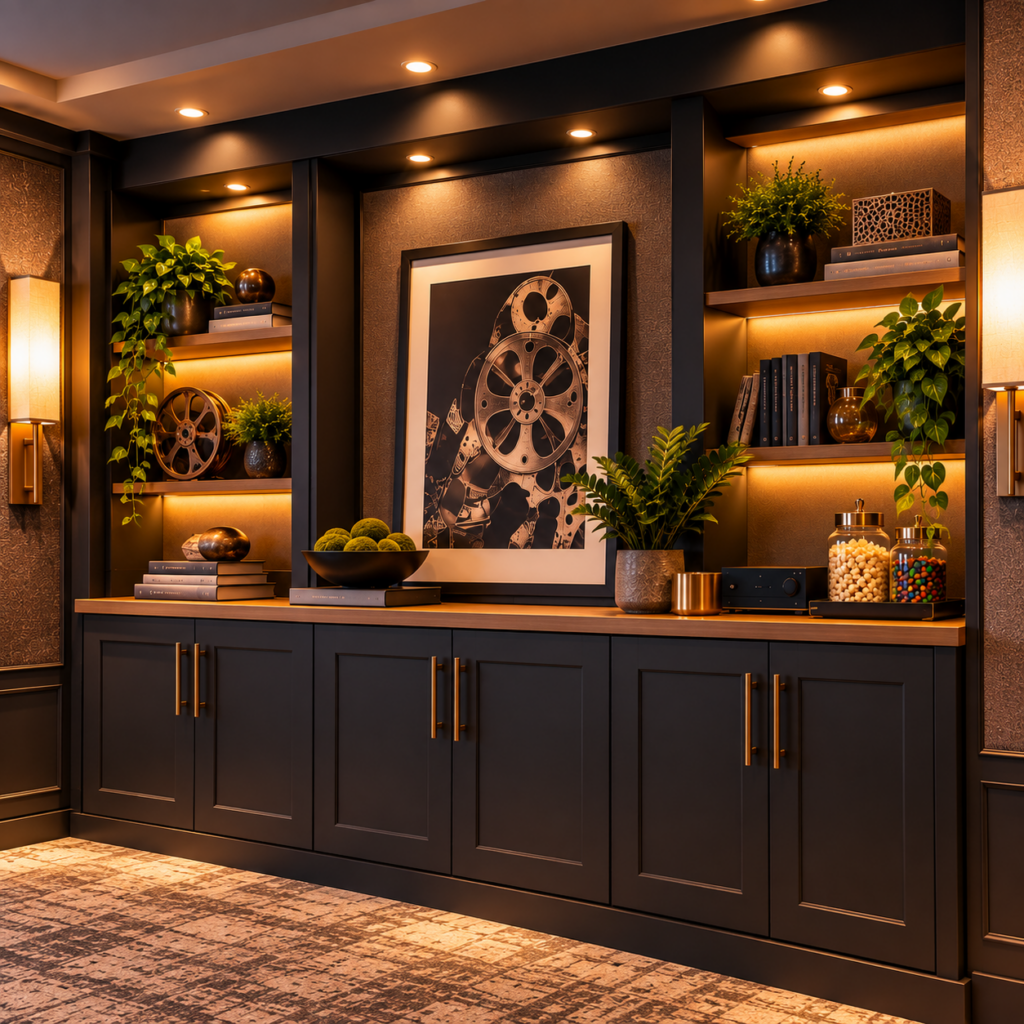
Enclosed cabinets are ideal when you prefer a clean, streamlined look.
They can hide gaming accessories, extra remotes, movies, chargers, cables, and other items that would otherwise make the room feel cluttered.
For electronics, choose cabinetry designed with airflow in mind. Open backs, ventilated panels, or generous interior clearance help prevent heat from building up around AV equipment.
Open Media Shelving
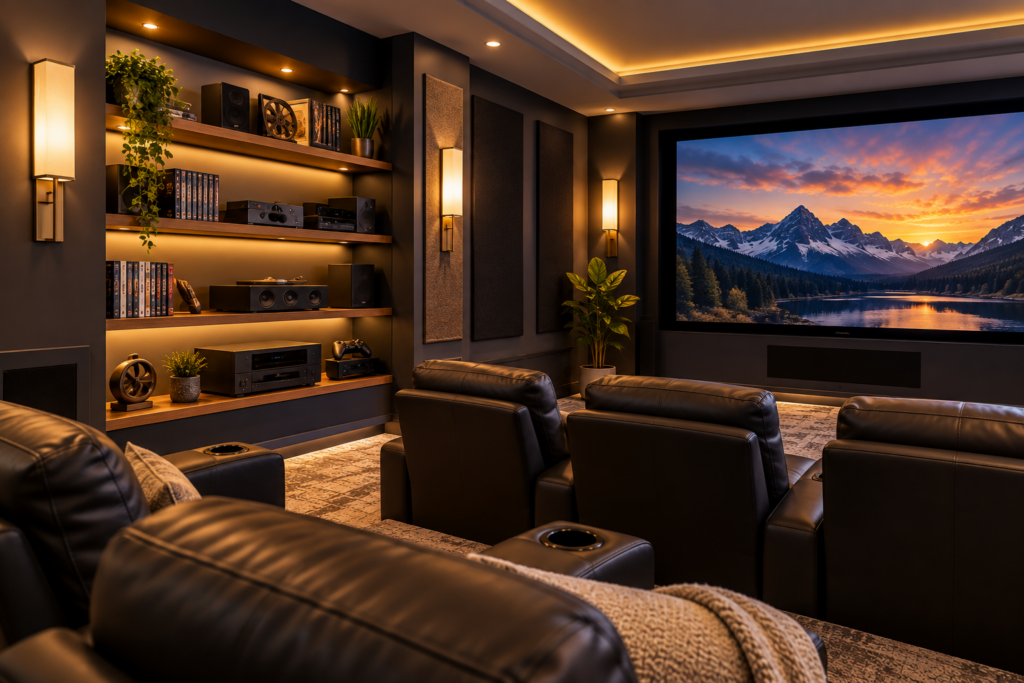
Open shelving works well for electronics you use frequently because everything stays easy to reach.
It also gives receivers, gaming systems, and streaming devices plenty of breathing room.
For a more polished look, avoid filling every inch. A few intentionally open areas help the shelving feel styled rather than overcrowded.
Glass-Door Display Cabinets
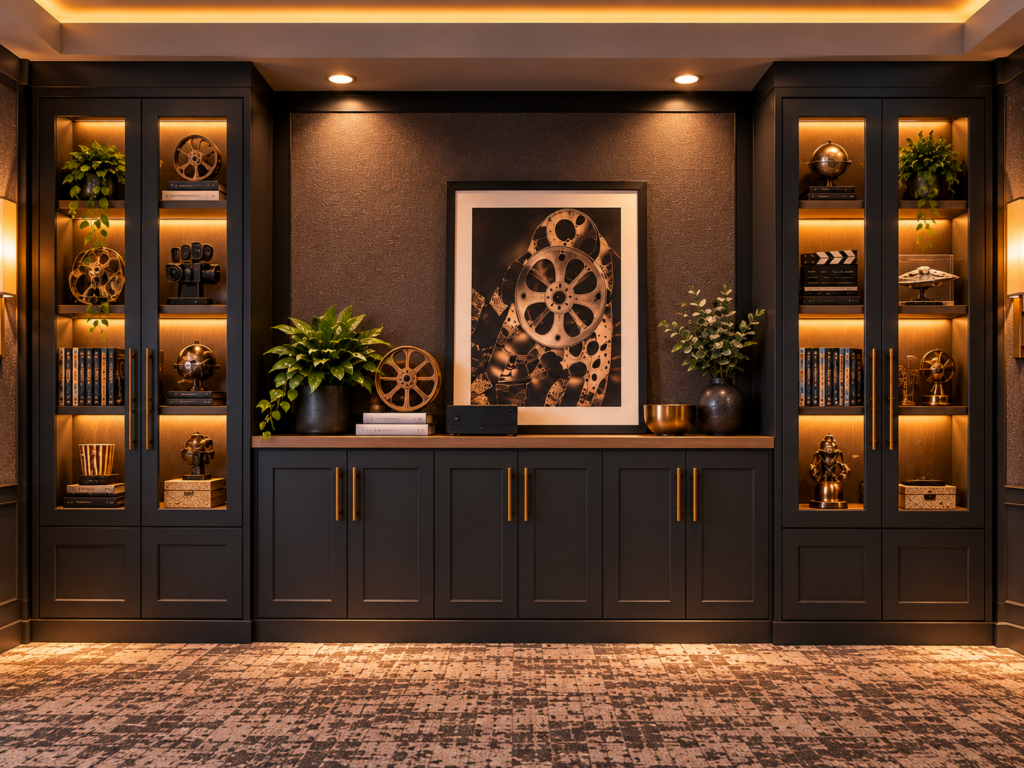
Glass-door cabinets are especially useful when you want to enjoy a collection without leaving everything exposed.
They work beautifully for movie memorabilia, special-edition box sets, collectibles, or decorative accessories.
Smoked or tinted glass can give the cabinet a more sophisticated theater feel while softening the visual clutter inside.
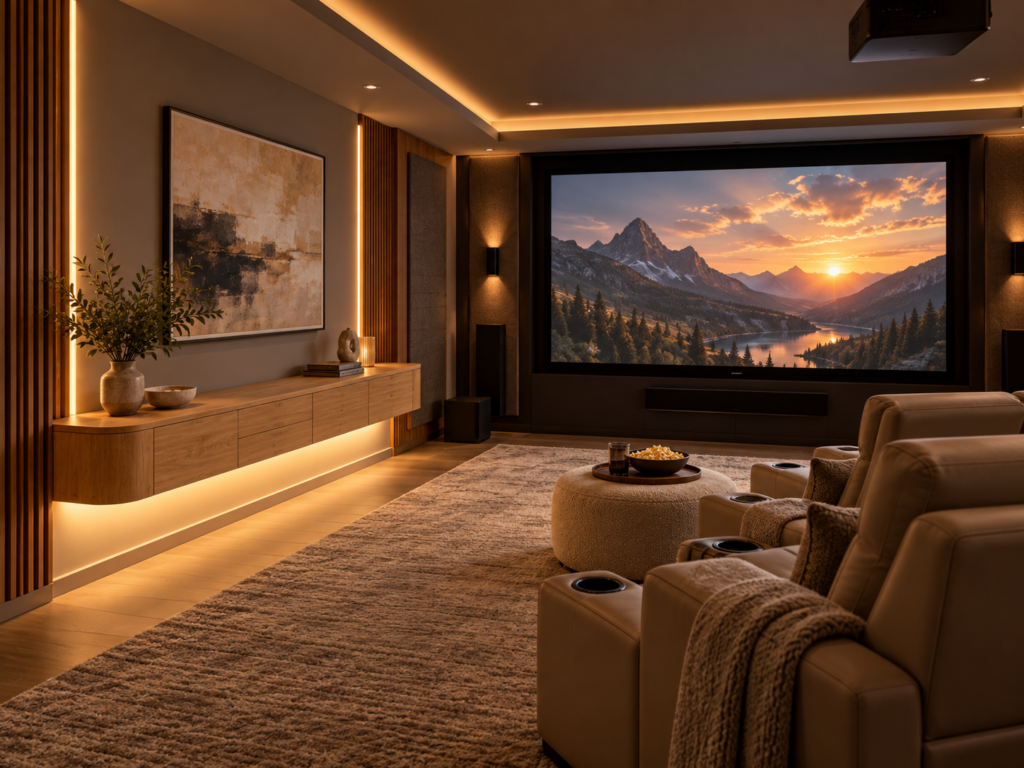
Wall-Mounted Media Consoles
Floating media cabinets are a smart option for smaller rooms because keeping the floor visible helps the space feel more open.
They work particularly well in modern media rooms and TV-based home theaters.
Always check the weight rating and mounting requirements before installing one, especially if you plan to store heavy electronics inside.
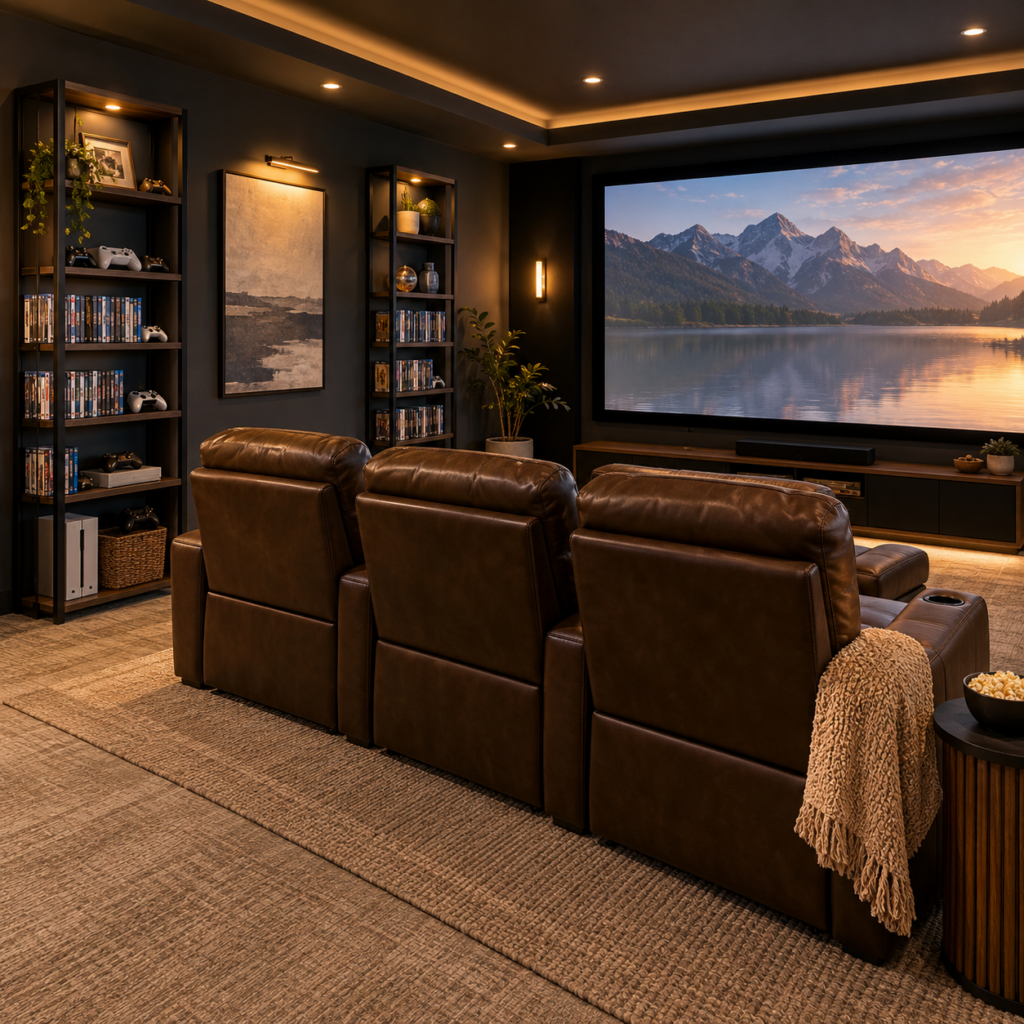
Tall Media Towers
Tall storage towers use vertical space rather than occupying a wide stretch of wall.
They can fit nicely beside a media wall or along a side or rear wall, where a larger cabinet might impede circulation.
They are especially useful for physical movie and gaming collections.
Combination Storage
Many home theaters benefit from using more than one storage style.
For example, you might combine closed lower cabinets for accessories, open shelves for AV components, and one glass-front section for memorabilia.
This keeps the storage practical while still giving the room some personality.
Helpful Amazon Finds
- Wall-Mounted Audio/Video Console – A floating design that adds storage without making a smaller media room feel crowded.
- XL Media Storage Cabinet – A tall option for organizing larger DVD, Blu-ray, or game collections.
What to Consider Before Buying a Media Cabinet
A cabinet can look perfect online and still be frustrating once it arrives.
A few measurements and practical checks can prevent most problems.
Measure More Than the Wall
Start with the available width and height, but do not forget depth.
AV receivers, game consoles, and other components often need extra room behind them for HDMI cables, power cords, and ventilation.
Also consider door swing, nearby seating, and walkway clearance.
Check Ventilation
Electronics generate heat, particularly AV receivers and gaming consoles.
If equipment will sit inside enclosed cabinetry, look for ventilation openings, slatted panels, or open sections that allow warm air to escape.
Good airflow matters more than completely hiding the equipment.
Plan for Cable Management
One of the biggest advantages of a dedicated media cabinet is the ability to keep cords under control.
Cable openings, removable backs, wire channels, and dedicated spaces for power strips make installation much easier.
If cords are one of your biggest frustrations, check out my guide to hidden cable-management ideas for a clean home theater.
Check Shelf Weight Limits
Receivers, amplifiers, and large media collections can become surprisingly heavy.
Do not judge a cabinet only by its appearance. Check the manufacturer’s individual shelf weight ratings and overall capacity before loading it with expensive equipment.
Think About Daily Access
Consider how often you will need to reach the items inside.
A beautiful solid-door cabinet may not be practical if you constantly need access to game consoles or controls.
For frequently used electronics, open sections, glass doors, or easy-access compartments may be more convenient.
Choose a Finish That Fits the Room
Storage should feel connected to the rest of the theater.
Black or charcoal cabinets can blend into darker walls. Walnut and oak add warmth. Glass, fluted doors, and metal accents can make cabinetry feel more furniture-like.
For additional decorating ideas, see my guide to home theater accessories and decorations.
Helpful Amazon Finds
- Walker Edison Modern TV Stand with Glass Shelves – Open shelving keeps electronics accessible while providing natural airflow.
- Lockable Media Storage Cabinet – Lockable storage is useful for keeping certain equipment, discs, or accessories secure.
Features That Make Media Cabinets More Useful
Once you find the right size and style, a few additional features can make a cabinet much easier to live with.
Adjustable Shelving
Adjustable shelves let the cabinet adapt as your setup changes.
You may need more height for a new receiver, gaming console, decorative piece, or storage basket later.
Integrated Lighting
Soft cabinet lighting can highlight collectibles without overpowering the room.
Dimmable LED strips or small puck lights work particularly well inside glass-front displays.
Keep the brightness subtle so the cabinet does not compete with the screen during a movie.
For more ideas, see how to layer lighting in a home theater.
Pull-Out Shelves
Pull-out trays make it easier to reach equipment that occasionally needs adjustments or new connections.
They can also simplify cleaning around electronics.
Dedicated Power Space
A cabinet does not need built-in outlets to be convenient.
Even a designated compartment for a surge protector and charging cables can keep the interior much more organized.
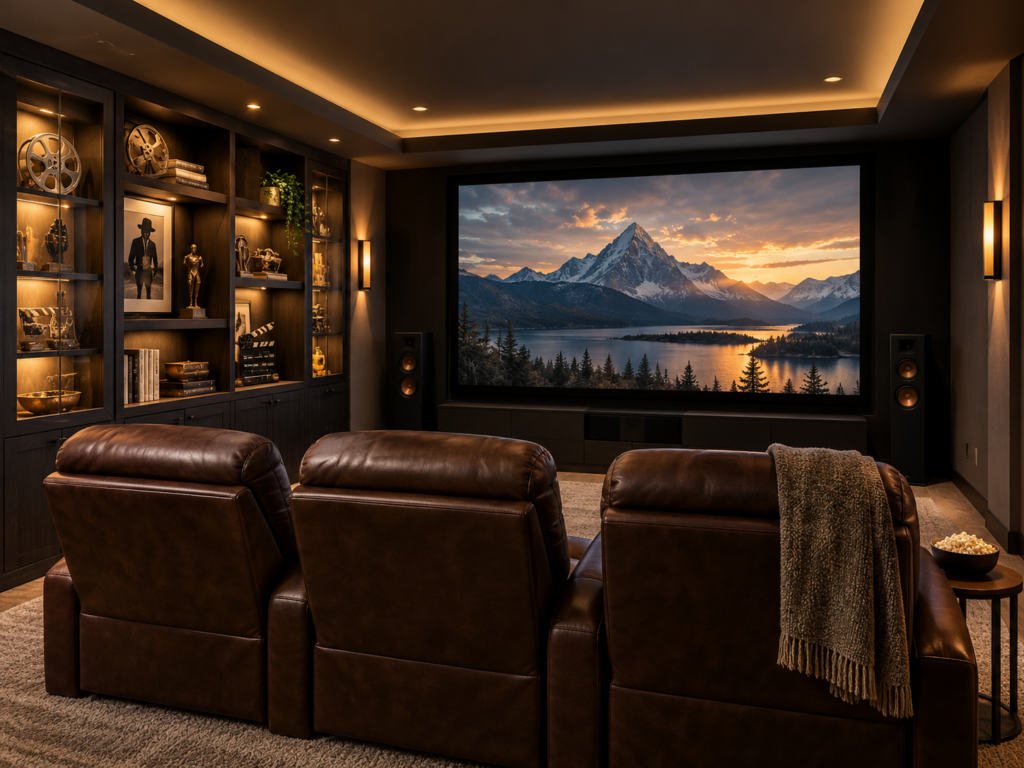
How to Style a Home Theater Display Cabinet
A display cabinet should add personality without becoming the busiest part of the room.
Start with fewer pieces than you think you need. A framed piece of movie artwork, a favorite collectible, a film book, or a special-edition box set can have more impact when it has some breathing room around it.
Try mixing objects of different heights instead of lining everything up evenly. This creates a more layered, collected look and keeps the shelves from feeling flat or overcrowded.
You can also rotate displays throughout the year. Halloween movies in October, holiday favorites in December, or a favorite franchise during a family movie marathon can keep the space feeling fresh without adding permanent clutter.
If you enjoy collecting movie-related décor, my guide to how to use movie posters and memorabilia has more ideas for displaying them without overwhelming the room.
Helpful Amazon Finds
- Rechargeable LED Cabinet Lights – Slim, dimmable lights can highlight movie memorabilia and collectibles without filling the shelves with extra décor.
- Clear Acrylic Display Risers – Small risers add height and separation to collectibles, making a display look more layered and intentional rather than crowded.
Keep the Front of the Theater Visually Calm
Not every wall needs to become a display wall.
In a dedicated theater, the screen should remain the main visual focus.
Bright collectibles, busy shelving, or strong accent lighting directly around the screen can become distracting once the movie starts.
Side walls and rear walls usually provide better opportunities for decorative storage.
This allows the front of the room to stay clean and cinematic while still giving you plenty of room to personalize the theater elsewhere.
My guide to home theater mistakes to avoid covers several other layout and design choices that can affect the viewing experience.
Combining Storage With Acoustic Treatments
Cabinets and acoustic treatments can share a wall as long as each still performs its intended job.
A rear wall, for example, might include lower cabinetry with acoustic panels positioned above it.
What you want to avoid is covering useful acoustic treatment with decorative shelving simply because the wall looks empty.
Function should guide the layout first.
If you are deciding what your theater actually needs, acoustic panels vs. soundproofing for home theaters explains how those two approaches solve very different problems.
Care and Maintenance
Media cabinets do not require much maintenance, but a few simple habits help keep them looking good and protect the electronics inside.
Dust shelves, vents, and equipment regularly to keep airflow clear.
Use a microfiber cloth on most furniture surfaces and the appropriate cleaner for glass doors or specialty finishes.
It is also worth checking the interior whenever you add new equipment. New devices often mean new cords, and cable management can quickly become messy again if you are not careful.
Every few months, check:
- Ventilation openings for dust
- Door hinges and shelf hardware
- Cable ties and connections
- Wall anchors on floating furniture
- Power strips and surge protectors
A few minutes of maintenance is much easier than completely reorganizing the cabinet later.
Frequently Asked Questions
Can I put an AV receiver inside a closed cabinet?
Yes, as long as the cabinet provides adequate airflow. AV receivers generate heat, so there should be space around the equipment and a way for warm air to escape.
What is the best cabinet material for heavy AV equipment?
The cabinet’s construction and shelf weight rating matter more than the material alone. Solid wood, metal framing, and well-supported engineered wood can all work well when properly rated for the equipment.
How do I hide cables inside a media cabinet?
Look for cable openings, removable backs, or built-in wire channels. Reusable cable ties can group cords together, while a securely positioned surge protector keeps power connections more organized.
Can I use a bookshelf instead of a media cabinet?
Yes, in some situations. Bookshelves work well for movies, games, books, and collectibles, but they may not provide enough depth, cable access, or ventilation for AV equipment.
Should media cabinets have doors?
Both styles have advantages. Doors hide clutter and help reduce dust, while open shelving gives you easier access and better natural airflow. A combination of open and closed storage works well in many theaters.
Where should I put a media cabinet in a home theater?
Side and rear walls are often good choices as long as the cabinet does not block speakers, doorways, walkways, seating clearance, or acoustic treatments. Keep furniture around the screen visually simple so it does not distract from viewing.
Final Thoughts
Stylish media storage can completely change how finished and organized a home theater feels.
The goal is not to fill every wall with cabinets. It is to create enough storage that the room stays comfortable and easy to use while still leaving space for the pieces you enjoy seeing.
For many home theaters, the best solution is a mix of concealed storage, accessible shelving, and one small display area for memorabilia or décor.
Measure carefully, think about airflow and cable access, and choose furniture that complements the rest of the room.
When everything has a place, the theater feels less like a room full of equipment and more like a space designed for relaxing and enjoying movie night.
Related Articles
- How to Organize a Home Theater
- Hidden Cable Management Ideas for a Clean Home Theater
- Home Theater Back Wall Ideas: 5 Functional Layouts
- How to Use Movie Posters and Memorabilia

Lisa is the creator of Home Cinema Living. Together with her husband, a longtime home theater professional, she has spent years designing and enjoying home theater spaces that bring family and friends together for memorable movie nights.