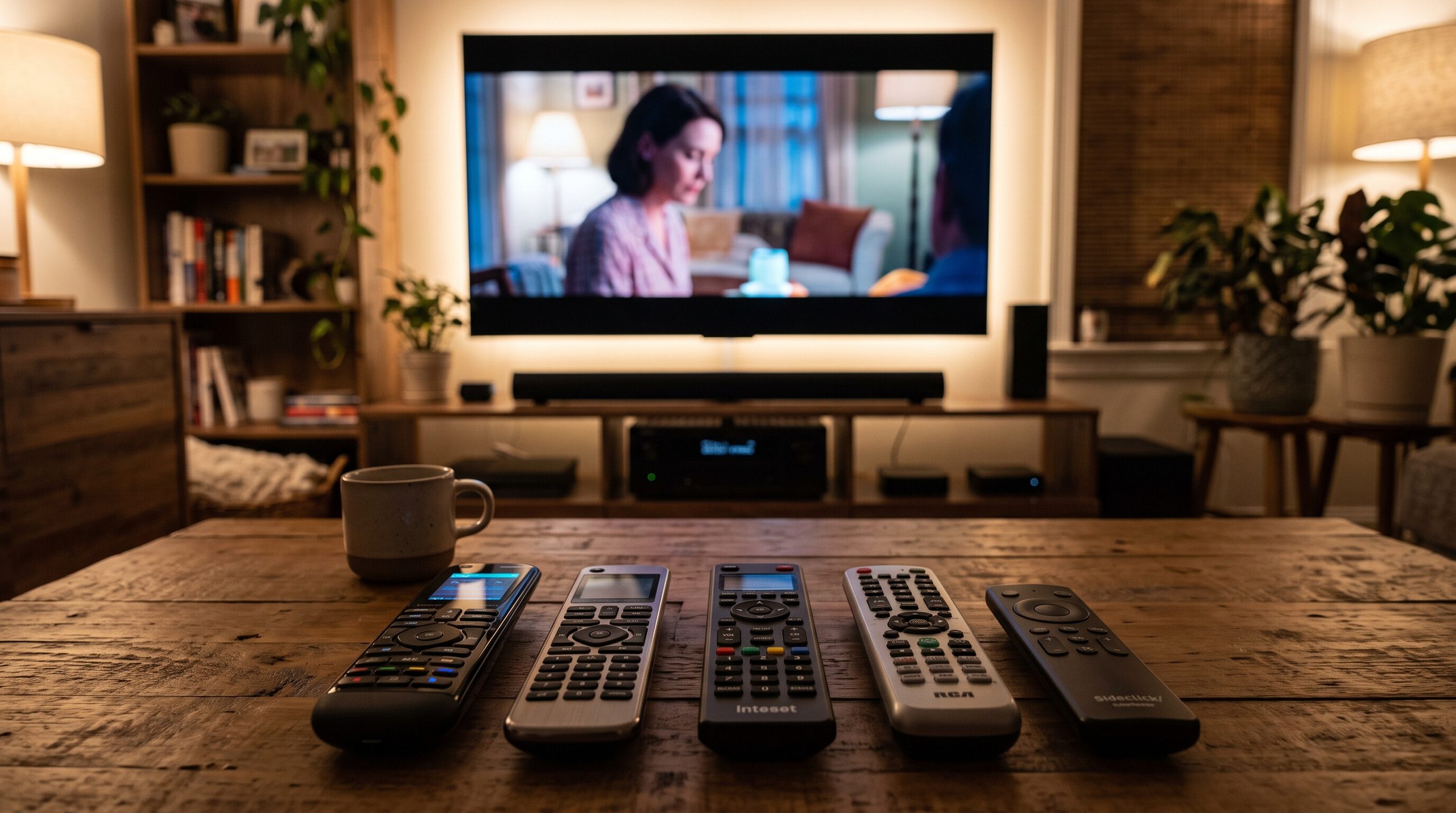
If you have a TV or projector, AV receiver or soundbar, streaming player, Blu-ray player, and other home theater equipment, the number of remotes can add up quickly.
A simple movie night can turn into a guessing game: which remote powers the screen, which controls the volume, and which changes the input.
That is where a good universal remote can make a noticeable difference.
The best universal remotes for home theaters bring several pieces of equipment together so you can control more of your system from one place. Some simply replace a few traditional remotes. Others use hubs, apps, Bluetooth, macros, and smart-home features to manage a more complicated setup.
A universal remote can also help create a cleaner, more organized room. If reducing clutter is one of your goals, you may also like my guide on how to organize a home theater.
In this guide, I compare four useful universal remote options for 2026, from a simple budget controller to premium systems for dedicated home theaters.
Quick Guide: Best Universal Remotes for Home Theaters
| Universal Remote | Best For | Standout Feature |
|---|---|---|
| SofaBaton X2 | Premium home theaters | Touchscreen, hub, Activities and broad device control |
| SofaBaton X1S | Advanced multi-device systems | Hub-based Activities without the X2 price |
| SwitchBot Universal Remote + Hub Mini | Smart-home and media rooms | Entertainment control plus smart-home scenes |
| GE 4-Device Backlit Universal Remote | Simple budget setups | Easy IR control and fully backlit keypad |
One important thing to remember: universal doesn’t mean compatible with absolutely everything.
Before buying, check your exact TV, projector, receiver, streaming player, and any other equipment you want to control.
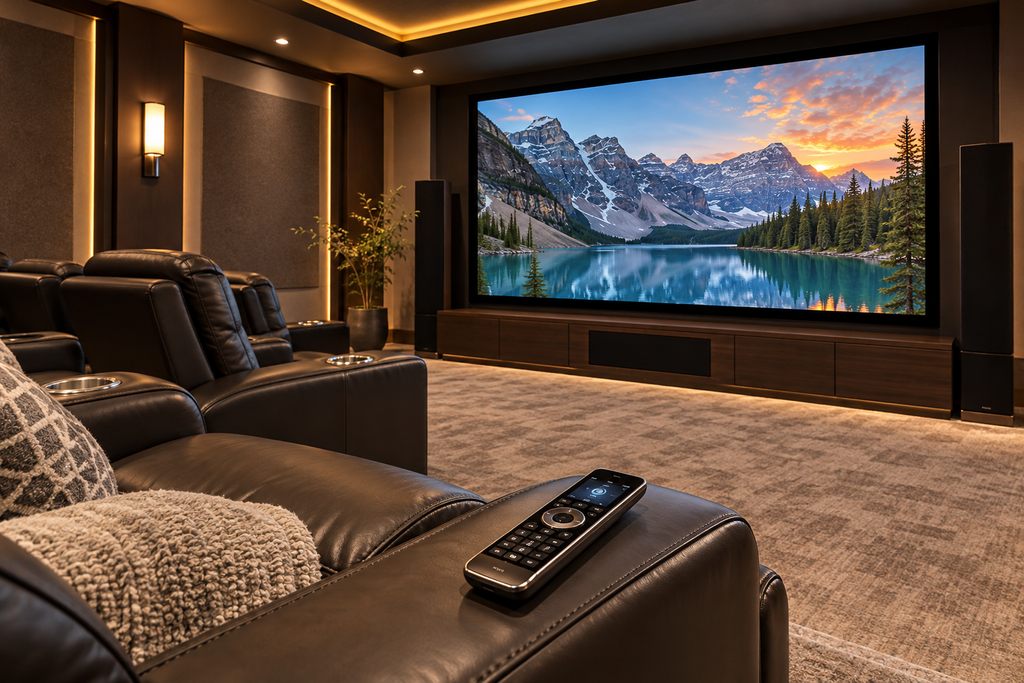
What Makes a Good Universal Remote for a Home Theater?
A universal remote should make your home theater easier to use, not introduce another complicated gadget.
Here are the features I would pay the most attention to.
Device Compatibility
Start by making a list of everything you actually want the remote to control.
That might include:
- TV or projector
- AV receiver
- Soundbar
- Blu-ray player
- Cable or satellite box
- Streaming player
- Game console
- Smart lighting
Many traditional universal remotes use infrared, or IR, signals. This works well with many TVs, receivers, soundbars, projectors, and disc players.
Newer entertainment products may rely on Bluetooth, Wi-Fi, RF, or another control method. This matters especially with streaming devices, so checking compatibility before purchasing can prevent frustration later.
If your room combines several audio and video components, my guide to hidden cable management ideas for a clean home theater setup can also help keep the equipment area more organized.
Easy Everyday Operation
A remote can have an impressive feature list and still be annoying to use.
For a home theater, clearly separated buttons, simple volume and playback controls, and some type of backlighting are especially helpful.
Your family and guests should also be able to perform basic functions without needing instructions every time they sit down.
Activities, Scenes and Macros
One of the biggest advantages of a more advanced universal remote is its ability to combine several commands.
For example, a movie-night activity or scene might:
- Turn on the projector or TV.
- Power up the AV receiver.
- Select the correct HDMI input.
- Start the streaming device.
Different manufacturers use different names for these features. SofaBaton uses Activities, while SwitchBot can incorporate scenes into its broader smart-home system.
Whatever the name, the goal is the same: fewer steps between sitting down and starting the movie.
Hub vs. No Hub
A hub can be useful when you store AV components in cabinets or an equipment area.
Instead of requiring the handheld remote to communicate directly with every component, the hub connects the remote to compatible equipment.
This is especially helpful in a dedicated theater where you want the front of the room to look clean without putting every AV component in plain view.
Backlit Controls
Backlighting may sound minor, but it matters in a movie room.
You should not have to turn on the room lights just to find the pause or volume button.
If you are also improving the room’s lighting, check out how to layer lighting in a home theater for the perfect movie experience.
Best Universal Remotes for Home Theaters in 2026
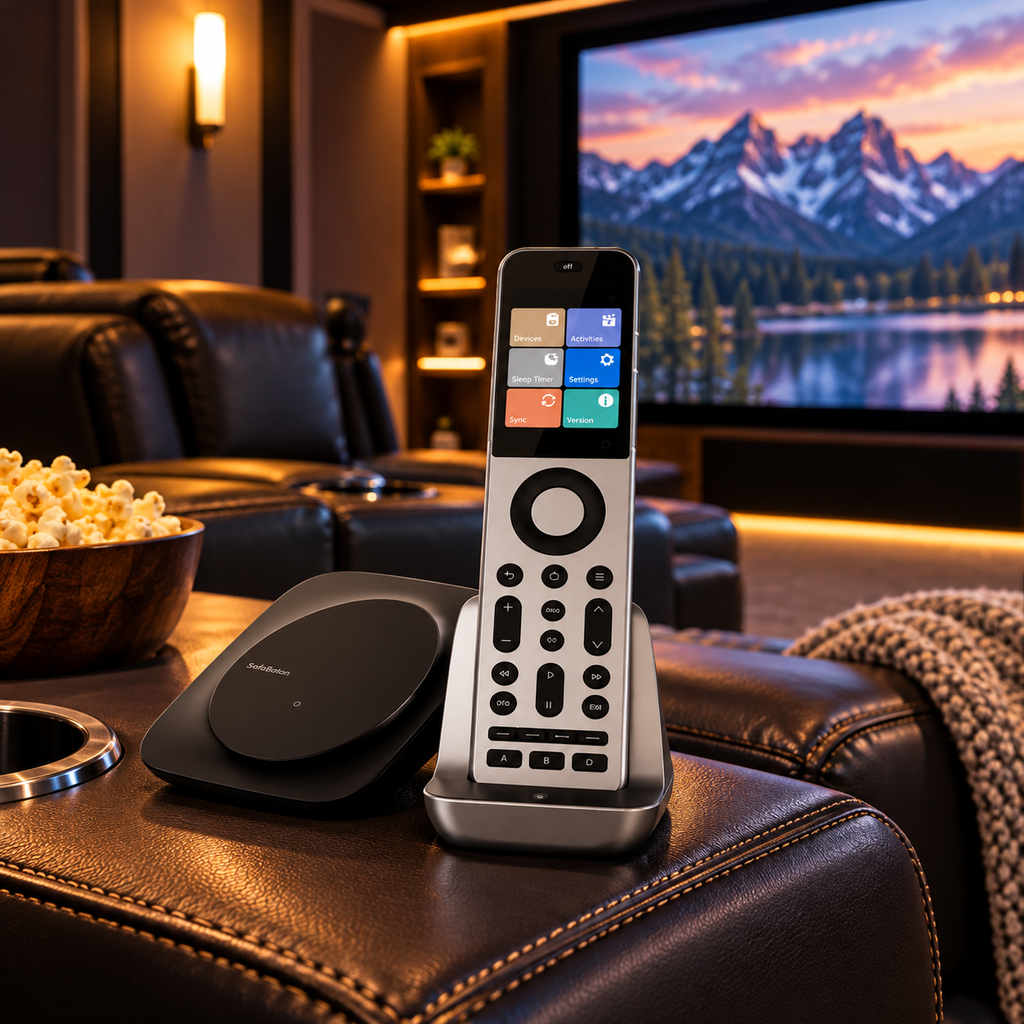
SofaBaton X2 — Best Premium Pick
For larger home theaters with multiple components, the SofaBaton X2 Universal Remote is the premium choice in this group.
The X2 combines a handheld remote with a hub and supports both individual device control and Activities.
It works with compatible IR, Bluetooth, Wi-Fi, and RF equipment, offering far more flexibility than a basic infrared-only remote.
The X2 also has a color touchscreen, physical buttons, and a rechargeable battery, giving it a more polished feel than a traditional universal remote.
For someone with a projector, AV receiver, streaming devices, sound system, and other equipment, that broader control can be especially useful.
Works well for: TVs, projectors, AV receivers, soundbars, streaming devices, and more complicated entertainment systems.
Standout features:
- Color touchscreen
- Included hub
- Activity control
- IR, Bluetooth, Wi-Fi, and RF support
- Rechargeable battery
- Smart-home features
- Physical controls for everyday use
The biggest drawback is price.
If your setup is just a TV and soundbar, the X2 is probably more controller than you need.
For a dedicated home theater with several components, however, the additional control can make the entire system much easier to operate.
Helpful Amazon Finds
- SofaBaton X2 Universal Remote – A premium controller for a larger home theater where several components need to work together.
- Cable Matters Infrared Remote Extender Cable – 6 ft – Helpful when compatible infrared equipment is stored inside cabinetry or positioned away from the main seating area.
SofaBaton X1S — Best Advanced Hub-Based Pick
If you like hub-based Activities but don’t need the X2’s touchscreen, the SofaBaton X1S Universal Remote is a more approachable alternative.
The X1S uses a hub and lets you control individual equipment or create Activities that combine commands from several components.
That makes it especially useful in a theater where starting a movie involves turning on a projector, powering an AV receiver, selecting an input, and activating a streaming device.
The remote itself includes a display, backlit buttons, a rechargeable battery, and app-based setup.
Works well for: Projectors, TVs, AV receivers, soundbars, Blu-ray players, streaming devices, and larger equipment collections.
Standout features:
- Hub-based control
- Customizable Activities
- Programmable commands
- Backlit buttons
- Rechargeable remote
- Display screen
- App-based setup
- Voice-assistant compatibility for supported functions
The X1S makes the most sense when you have several pieces of equipment to coordinate but don’t need the X2’s higher-end touchscreen experience.
If your audio system itself needs an upgrade, you may also want to compare the options in Best Soundbars for Home Theaters and Media Rooms.
SwitchBot Universal Remote + Hub Mini — Best for Smart-Home Integration
The SwitchBot Universal Remote with Hub Mini takes a slightly different approach.
Rather than focusing only on traditional home theater equipment, SwitchBot combines entertainment control with a broader smart-home ecosystem.
With the Hub Mini included, the remote can control compatible IR and Bluetooth devices and trigger SwitchBot scenes.
That makes it especially useful for a movie room, where you want one controller to handle entertainment equipment while also tying into lighting or other smart-home routines.
Works well for: TVs, projectors, compatible streaming devices, IR equipment, SwitchBot devices, and smart-home scenes.
Standout features:
- Compatible IR and Bluetooth device control
- Hub Mini included
- Scene control
- Rechargeable handheld remote
- SwitchBot smart-home integration
- App-based customization
There is an important distinction here.
The SwitchBot isn’t just a traditional AV-only remote. It makes the most sense when you like the idea of combining home theater control with smart-home functions.
For a dedicated theater built mainly around an AV receiver and several traditional components, the SofaBaton X1S may feel more straightforward.
For a media room where entertainment, lighting, and smart-home devices overlap, the SwitchBot may be the better fit.
Helpful Amazon Finds
- SwitchBot Universal Remote with Hub Mini – A useful option for combining home theater controls with compatible smart-home devices and scenes.
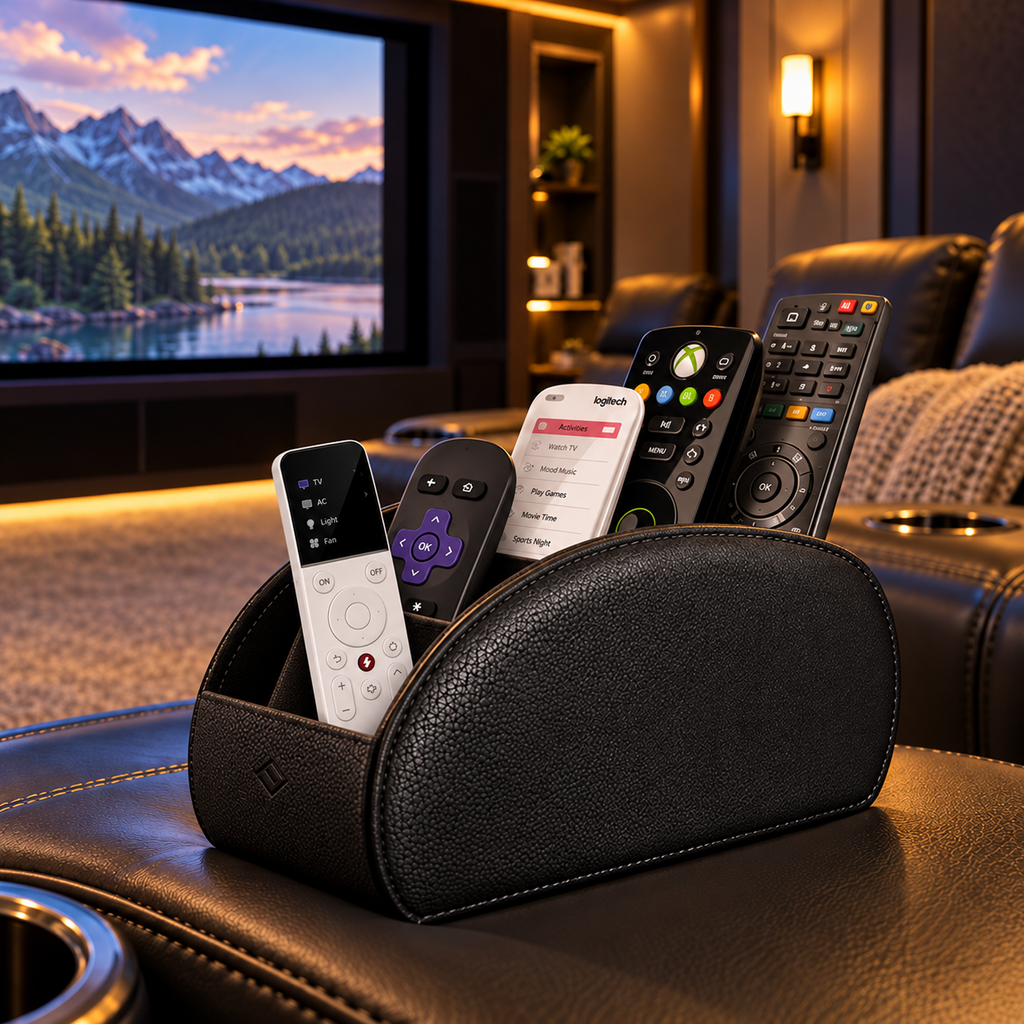
- FINTIE Remote Control Holder with 6 Compartments – A compact faux-leather organizer for keeping remotes and small accessories together near the seating area.
GE 4-Device Backlit Universal Remote — Best Budget Pick
Not every home theater needs smart-home integration, hubs, apps, or Activity programming.
Sometimes you simply want one inexpensive remote that can operate several traditional AV components.
The GE 4-Device Backlit Universal Remote is designed for exactly that type of setup.
It controls up to four compatible devices, including many TVs, soundbars, Blu-ray/DVD players, cable boxes, and other infrared equipment.
Programming is code-based, and the fully backlit keypad is especially useful in a dimmed movie room.
The master volume feature also makes daily operation easier if you regularly use one soundbar or receiver for audio.
Standout features:
- Controls up to four devices
- Fully backlit keypad
- Auto code search
- Direct code programming
- Master volume control
- Traditional physical button layout
- Affordable price
Important limitation: this is primarily an IR remote.
That means it is not the right choice for devices that depend entirely on Bluetooth, Wi-Fi, or RF control.
For a straightforward TV, receiver, soundbar, and disc-player setup, though, it may be all you really need.
Which Universal Remote Should You Choose?
The easiest way to choose is to match the remote to your setup’s complexity.
Choose the SofaBaton X2 for a premium dedicated theater with several components. Choose the SofaBaton X1S if you want hub-based Activities without the X2’s higher price. The SwitchBot Universal Remote is the best fit when your theater overlaps with smart-home devices and scenes. For a simple IR setup, the GE 4-Device Backlit Universal Remote is the most straightforward and budget-friendly option.
Benefits of Using a Universal Remote in a Home Theater
A universal remote can make a home theater easier to live with in several small ways. It reduces remote clutter around the seating area, simplifies movie-night setup, and makes the system easier for family and guests to use. Hub-based systems can also help when AV equipment is hidden inside cabinetry or an equipment rack.
Keeping accessories organized is especially useful around theater recliners. Find more ideas in Home Theater Seating Accessories You Didn’t Know You Needed. If you like practical upgrades that improve the overall experience, check out Top 5 Must-Have Home Theater Accessories for Better Movie Nights.
Helpful Amazon Finds
- FINTIE Remote Control Holder with 6 Compartments – Keeps remotes and smaller accessories organized so they don’t disappear between recliner cushions.
- Cable Matters Infrared Remote Extender Cable – 6 ft – Helps compatible infrared equipment remain controllable when stored behind cabinet doors.
- Trilancer Reusable Cable Cord Labels – 35 Pack – Writable cable tags make it easier to identify HDMI, receiver, speaker, and power cables around an AV setup.
Can I Just Use My Smartphone as a Universal Remote?
Sometimes. Many TVs, receivers, streaming devices, and smart-home systems have their own apps, and those can be useful for setup or occasional control.
For everyday movie watching, though, I still prefer a physical remote. Physical buttons are easier to use in the dark, and you do not have to unlock your phone and open an app every time you want to pause the movie or change the volume.
When a Universal Remote May Not Be Worth It
A universal remote is not necessary for every room. If your setup is just a smart TV and its built-in apps, the original remote may already do everything you need. Some streaming remotes can also handle basic TV power and volume.
Before spending money, ask yourself: Which functions am I currently unable to control easily? If the answer is “none,” you may not need another device.
Universal Remote FAQs
Are Logitech Harmony Remotes Still Worth Buying?
Logitech discontinued the Harmony remote line, so I would be cautious about recommending an older Harmony as a new purchase.
Used models still exist, but a current product generally makes more sense if you want an actively sold system and easier access to replacement hardware.
What Is a Current Alternative to a Logitech Harmony Remote?
For a dedicated home theater, the SofaBaton X2 and SofaBaton X1S are two of the closest current approaches because both use hubs and Activity-style control.
The SwitchBot Universal Remote is another option, but it leans more heavily toward combining AV control with smart-home functions.
None is an exact one-for-one replacement for Harmony.
Do Universal Remotes Work With Projectors?
Many do.
The key is whether your projector uses a control method the remote supports.
IR-controlled projectors generally integrate more easily with traditional remotes, while Bluetooth- or network-controlled models require a compatible system.
If you are still deciding between display types, you may also find TV vs. Projector for Home Theater helpful.
Can a Universal Remote Control a Fire TV Stick?
Some can, but not all universal remotes support Fire TV.
Check the exact remote and Fire TV model before buying rather than assuming universal compatibility.
Can a Universal Remote Control Roku?
It depends on the Roku device.
Roku TVs, traditional boxes, and Streaming Sticks can use different control methods.
Always check your exact model before choosing a universal remote.
Are Expensive Universal Remotes Worth It?
They can be if your home theater is complicated. If one controller can reliably start the projector, switch the receiver input, and manage several components, the convenience may justify the cost. For a simple setup, a budget remote usually makes more sense.
Final Thoughts
The best universal remote is the one that makes your particular home theater easier to use.
The SofaBaton X2 is the strongest choice for a premium dedicated theater, while the SofaBaton X1S is a good fit if you want hub-based Activities at a lower price. The SwitchBot Universal Remote with Hub Mini makes the most sense when your theater is closely connected to a smart-home setup. The GE 4-Device Backlit Universal Remote is a practical choice for a simple setup with traditional infrared-controlled equipment.
Whichever option you choose, check compatibility with your exact equipment before buying.
Related Home Theater Articles
If you are continuing to simplify or upgrade your movie room, you may also enjoy:
- How to Organize a Home Theater
- Hidden Cable Management Ideas for a Clean Home Theater Setup
- Top 5 Must-Have Home Theater Accessories for Better Movie Nights
- Best Soundbars for Home Theaters and Media Rooms
- Home Theater Seating Accessories You Didn’t Know You Needed
- How to Layer Lighting in a Home Theater for the Perfect Movie Experience
- TV vs. Projector for Home Theater

Lisa is the creator of Home Cinema Living. Together with her husband, a longtime home theater professional, she has spent years designing and enjoying home theater spaces that bring family and friends together for memorable movie nights.