
This post contains affiliate links. As an Amazon Associate, I earn from qualifying purchases at no extra cost to you.
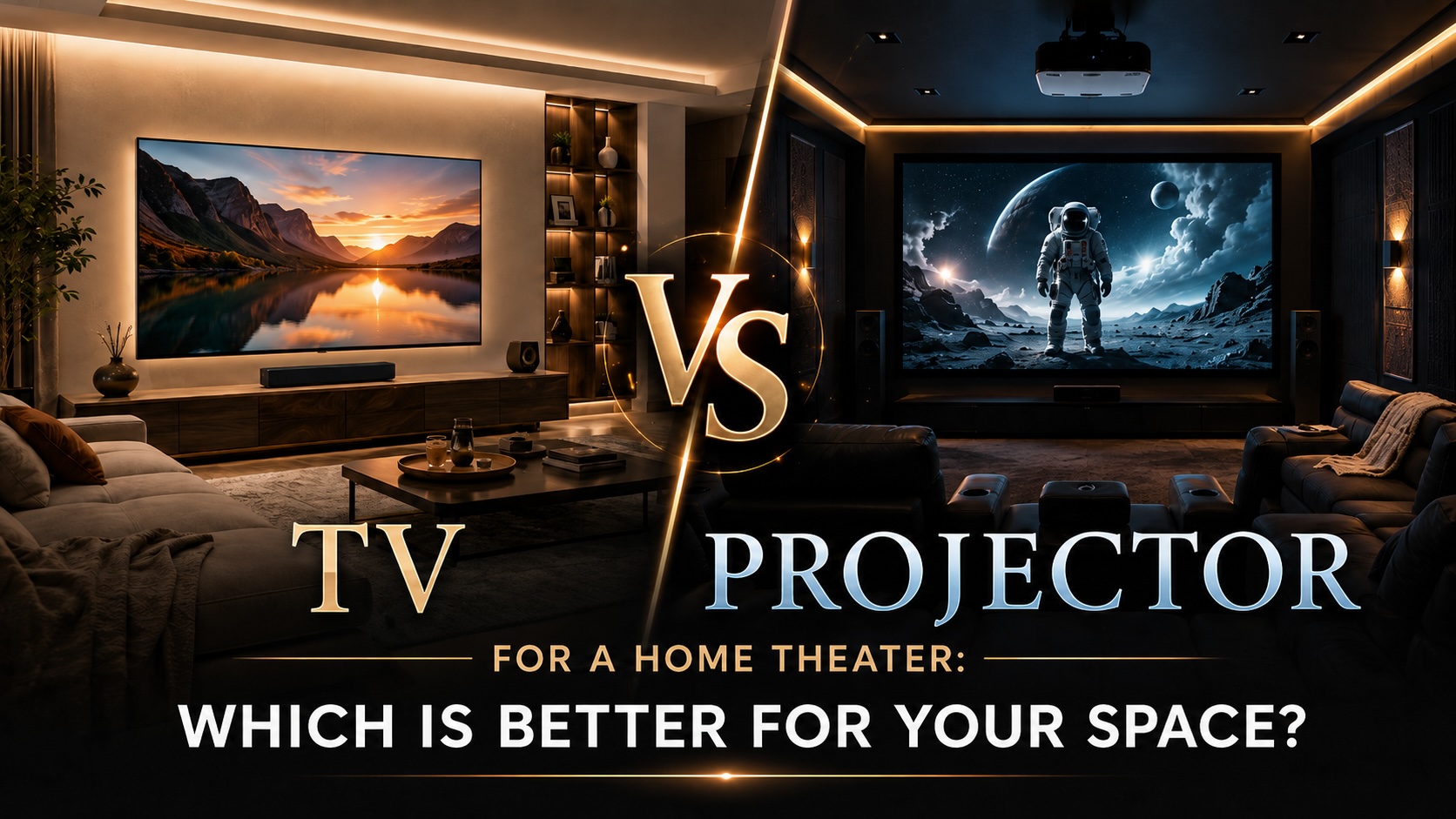
Choosing between a TV and a projector is one of the biggest decisions you will make when designing a home theater. Both can deliver a beautiful movie-watching experience, but they work best in different types of spaces.
A large 4K TV is bright, sharp, easy to use, and well suited for everyday viewing. A projector can deliver the oversized cinematic feel many people imagine for a true home theater. The right choice depends on your room size, lighting, budget, viewing habits, and how you want the space to feel.
Whether you are planning a dedicated theater room, upgrading a family media room, or creating a cozy movie-night space, this guide will help you decide whether a TV or projector is the better choice for your home theater.
TV vs. Projector: The Quick Answer
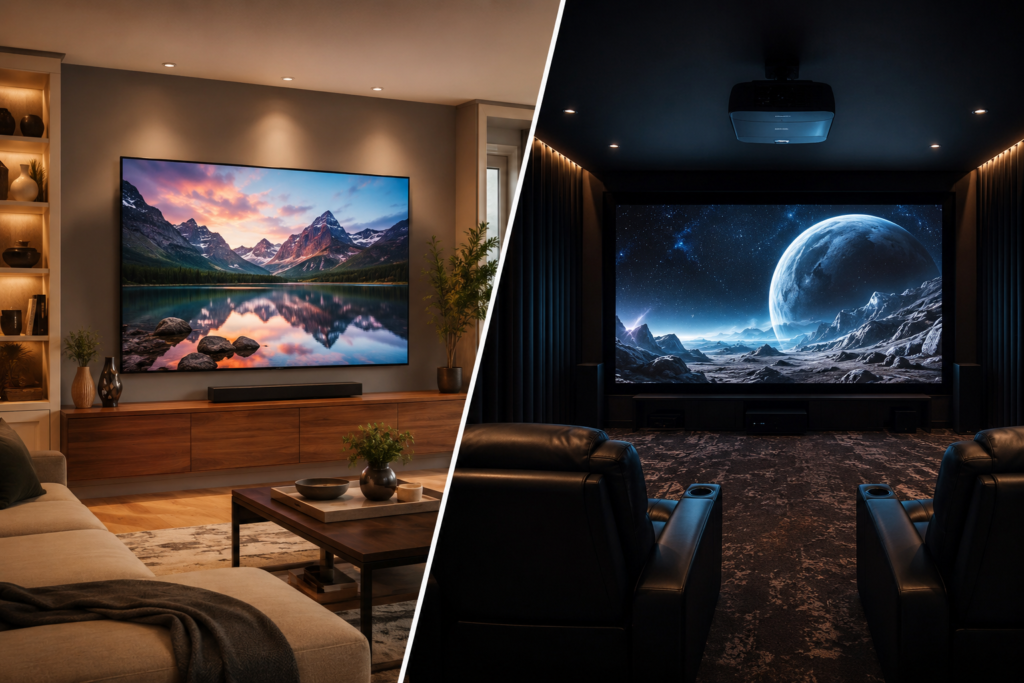
For most bright living rooms, family rooms, and casual media spaces, a TV is usually the easiest and most practical choice.
In dark, dedicated theater rooms where you want a larger-than-life movie experience, a projector can feel more cinematic.
Here is a simple way to think about it:
| Room Type | Best Choice |
|---|---|
| Bright living room | TV |
| Small apartment or media corner | TV |
| Dedicated dark theater room | Projector |
| Large basement theater | Projector |
| Everyday TV, sports, and gaming | TV |
| Big movie-night experience | Projector |
| Easiest setup | TV |
| Largest screen size | Projector |
Both options can look amazing when used in the right setting. The goal is not to choose the most expensive option. The goal is to choose the option that works best for your space.
When a TV Is Better for a Home Theater
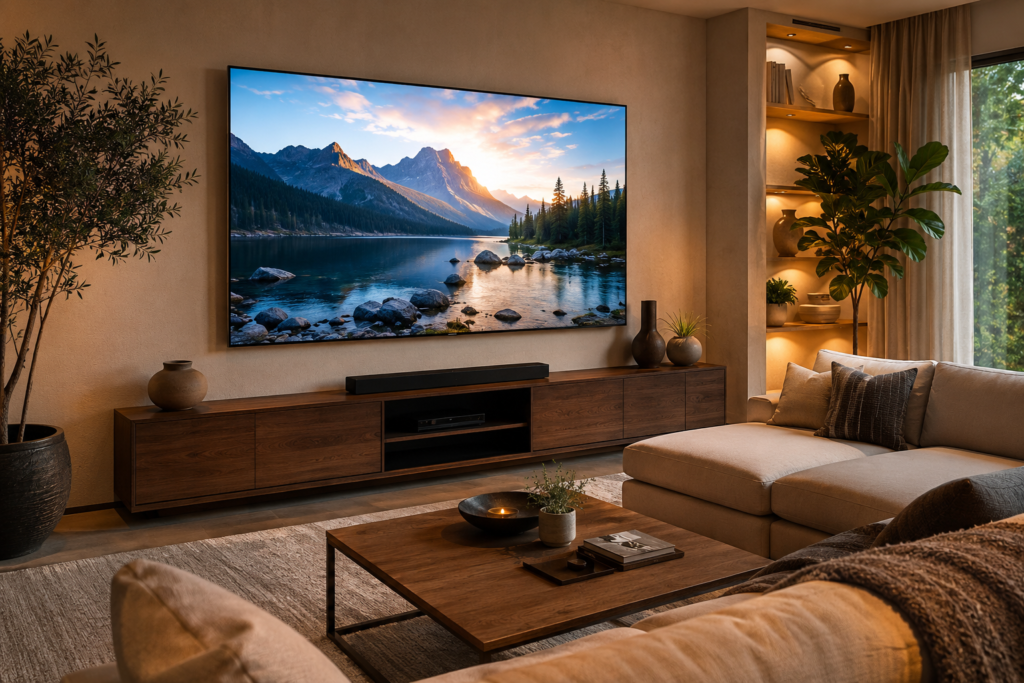
A TV is often the better choice if your theater space doubles as a living room, family room, game room, or everyday entertainment area.
Modern TVs are bright, sharp, easy to install, and simple for the whole family to use. They work well during the day, at night, with the lights on, or with a few lamps glowing in the room.
A TV may be the better choice if:
- Your room gets natural light
- You watch movies during the day
- You also watch sports, news, or regular television
- You want a simple setup
- You do not want to install a projector or screen
- You have limited wall or ceiling space
- You prefer a clean, low-maintenance setup
TVs are especially well suited to spaces where you cannot fully control the lighting. Even with blackout curtains or dimmable lighting, most living rooms still have reflective surfaces, windows, lamps, and light-colored walls.
If your room has light-colored walls, glossy finishes, or abundant ambient light, a TV will usually deliver a more consistent picture. For more help with room color and reflection, visit my article on Best Paint Colors for a Cinematic Experience.
Helpful Amazon picks for a TV setup
For most home theater spaces, a 65-inch TV works well in smaller rooms, a 75-inch TV is a great middle-ground choice for living rooms, and an 85-inch TV can feel more immersive in larger media rooms.
If you want a budget-friendly TV setup, TCL can be a solid value option. If you want a more premium movie-watching experience, Sony or LG may be worth comparing, especially for better processing, contrast, motion handling, and overall picture quality.
Budget-friendly TV options:
- TCL 65 Inch Class QM6K Series Mini LED QLED 4K Smart TV — best for smaller rooms, apartments, or cozy media spaces
- TCL 75 Inch Class QM6K Series Mini LED QLED 4K Smart TV — best for most living rooms and family media spaces
- TCL 85 Inch Class QM6K Series Mini LED QLED 4K Smart TV — best for larger rooms where you want a more immersive screen
Premium Sony TV options:
- Sony BRAVIA 5 65 Inch Mini LED 4K Smart Google TV — best for smaller rooms where you want a more premium TV picture
- Sony BRAVIA 5 75 Inch Mini LED 4K Smart Google TV — best for living rooms or family media spaces with a premium TV setup
- Sony BRAVIA 5 85 Inch Mini LED 4K Smart Google TV — best for larger rooms where you want a premium big-screen TV experience
When a Projector Is Better for a Home Theater
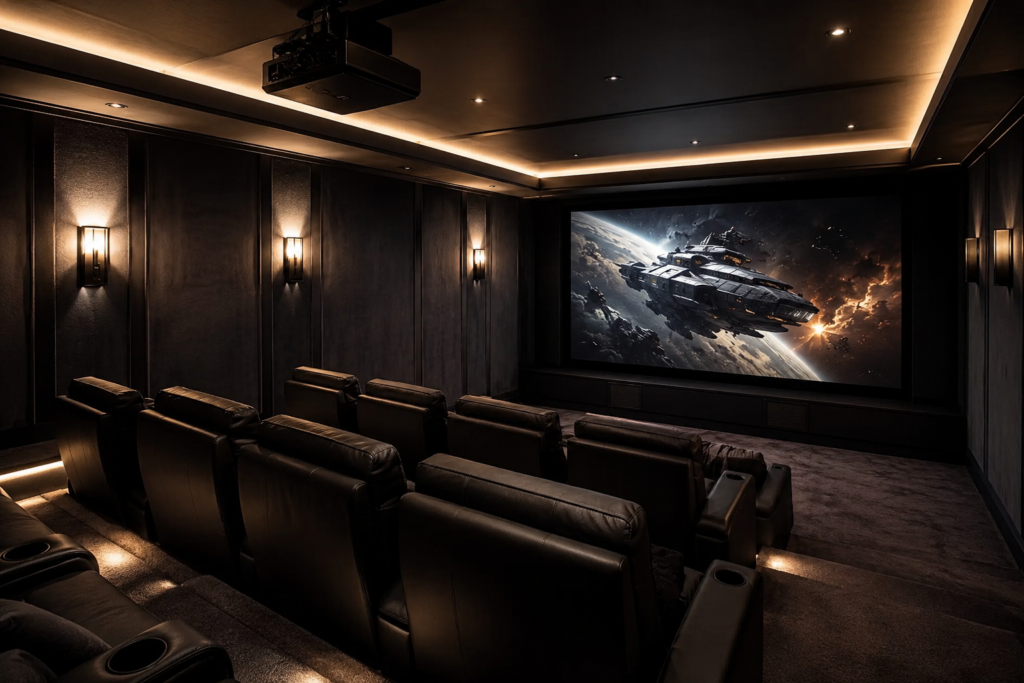
A projector is usually the better choice when you want the most cinematic experience possible.
Projectors can produce much larger screen sizes than most TVs. A 100-inch, 120-inch, or even larger projected image can make your home theater feel more like a real cinema. This is especially effective in a basement, bonus room, dedicated theater room, or any space where you can control the lighting.
A projector may be the better choice if:
- You want a very large screen
- You have a dark or light-controlled room
- You mainly watch movies at night
- You want a true theater-style experience
- You have enough wall space for a screen
- You are comfortable with a more involved setup
- You want the screen to feel like the focal point of the room
Projectors work best in a dark room. Light from windows, lamps, ceiling fixtures, or even light-colored walls can wash out the image. That does not mean a projector cannot work in a living room, but it does mean you need to think carefully about light control.
For ideas to make a projector room feel more immersive, visit How To Layer Lighting in a Home Theater and Top Decorative Lighting Accessories For Home Theaters.
Helpful Amazon picks for a projector setup
If you are leaning toward a projector, start by comparing a standard 4K projector, a short-throw projector, and an ultra-short-throw projector to find the setup that best fits your room size, screen placement, and seating distance.
- Epson Home Cinema 3800 4K PRO-UHD Projector — best for a traditional home theater setup
- BenQ TH671ST Short Throw Projector — best for smaller rooms or shorter throw distances
- LG CineBeam S 4K UHD Ultra Short Throw Smart Projector — best for a compact TV-like projector setup close to the wall
Sound and Seating Considerations
One detail that is easy to overlook is the placement of the center-channel speaker. With a TV, the center speaker usually has to sit below the screen. That can work well for the front row, but in rooms with second or third rows, the sound may not feel as naturally anchored to the picture.
With a projector screen that is acoustically transparent, the center speaker can be placed behind the screen, closer to where voices appear on the image. This can create a more theater-like experience, especially in dedicated home theater rooms with multiple rows of seating.
A projected image can also feel more cinematic because the picture is being projected onto a screen rather than displayed from a glowing panel. For many movie lovers, a good projector setup can make classic films, rich colors, and Technicolor-style reds, whites, and blues feel more like a real cinema experience.
Room Lighting Is the Biggest Deciding Factor
Lighting is one of the most important differences between a TV and a projector.
A TV creates its own light directly from the screen, making it easier to see in bright or moderately bright rooms. A projector projects light onto a screen or wall, so the image can be affected by any other light in the room.
If your space has windows, ceiling lights, table lamps, or white walls, a projector may look washed out unless you control the lighting. Blackout curtains, darker paint, dimmable lights, and careful fixture placement can make a big difference.
If you are designing a projector room, consider adding:
- Blackout curtains
- Dimmable lighting
- LED strip lighting
- Darker wall colors
- Matte paint finishes
- A quality projector screen
- Smart lighting controls
You do not want lights shining directly onto the screen. Instead, use soft, indirect lighting around seating areas, behind furniture, under risers, or along walls.
For more ideas, visit Top Decorative Lighting Accessories For Home Theaters and Creating A Star Ceiling Effect in Your Theater Room.
Helpful Amazon picks for light control
If your room has windows or bright overhead lighting, a few simple light-control upgrades can make a big difference. Blackout curtains help reduce daylight and glare, smart dimmer switches let you lower overhead lighting during movies, and LED strip lights can add soft ambient lighting without overpowering the screen.
- NICETOWN Blackout Curtains — best for reducing daylight and glare
- Kasa Smart Dimmer Switch — best for adjusting room brightness during movies
- Govee LED Strip Lights — best for soft ambient lighting around the room

Screen Size: How Big Do You Really Want to Go?
Screen size is where projectors have a major advantage.
A TV can be large, but very large TVs can become expensive and heavy. A projector can often create a much larger image in the same wall space, especially if you want a 100-inch or 120-inch screen.
That oversized image is what gives a projector its movie-theater feeling.
However, bigger is not always better. Your screen size should match your seating distance. If the screen is too large for the room, the image can feel overwhelming. If it is too small, the room may not feel immersive.
A small media room may feel perfect with a 65- or 75-inch TV. A larger basement theater may feel better with a 100- or 120-inch projector screen.
If you are still planning your seating layout, visit How to Choose the Perfect Home Theater Seating Layout. The distance between your seats and the screen can completely change how comfortable the room feels.
Picture Quality: TV vs. Projector
A TV usually wins for brightness, contrast, sharpness, and everyday picture consistency.
This is especially true in rooms with ambient light. TVs are designed to perform better in typical home lighting than projectors. They also tend to offer strong contrast, vivid color, and excellent detail without requiring as much room preparation.
Projectors can still look beautiful, especially in dark rooms. A good projector paired with the right screen can produce a soft, immersive, cinematic image that many people love. But the projector needs the right environment to perform at its best.
A projector image depends on:
- Projector brightness
- Screen quality
- Room darkness
- Wall color
- Screen size
- Viewing distance
- Light reflections
- Projector placement
A TV is more forgiving. A projector is more room-dependent.
If you want the easiest path to a great picture, choose a TV. If you want the most cinematic image and are willing to design the room around it, choose a projector.
Setup and Installation
A TV is usually easier to set up.
You can place it on a media console, mount it to the wall, connect your streaming device or sound system, and start watching. Cable management is still important, but the setup is usually straightforward.
A projector setup can involve more planning. You may need to think about:
- Projector throw distance
- Ceiling mounting
- Screen size
- Screen height
- Power access
- HDMI cable length
- Streaming device placement
- Receiver location
- Speaker placement
- Fan noise
- Ventilation
If the projector is ceiling-mounted, you will also need to think about hidden wiring and power. A messy cable running across the ceiling or wall can make the space feel unfinished.
For a cleaner setup, visit Hidden Cable Management Ideas for a Clean Home Theater Setup and How to Organize a Home Theater.
Helpful Amazon picks for installation
A clean installation can make your TV or projector setup look much more polished. An in-wall cable management kit helps hide visible cords, a projector ceiling mount is useful for traditional projector setups, and a long HDMI cable may be needed if your projector or media equipment is placed farther from the screen.
- Legrand On-Q In-Wall TV Power Kit — best for hiding TV or projector cables behind the wall
- VIVO Universal Projector Ceiling Mount — best for ceiling-mounted projector setups
- High-Speed Long HDMI Cable — best for connecting projectors or media devices placed farther away
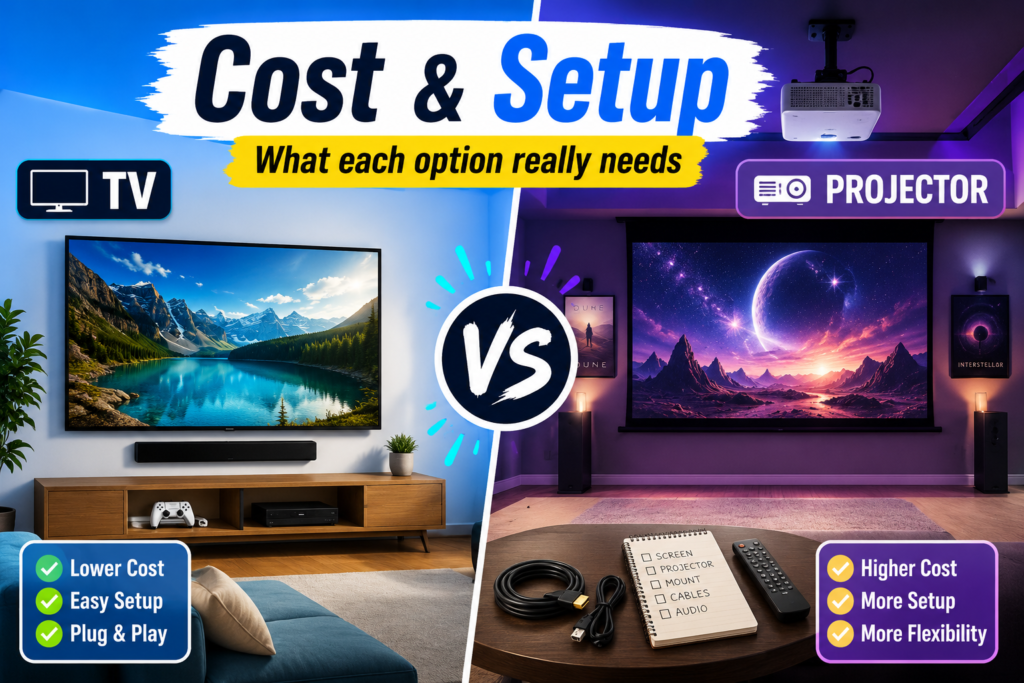
Cost Comparison: TV vs. Projector
The cost of a TV or projector setup can vary a lot.
A TV may seem more expensive upfront, especially if you want a very large screen. But a TV setup is usually simpler because the screen is built in. You may need only a mount, cables, a soundbar, or a media console.
A projector may look like a better value for a large image, but you also need to consider the extra pieces.
A projector setup may require:
- Projector
- Projector screen
- Mount or stand
- Long HDMI cable
- Streaming device
- Speakers or soundbar
- Blackout curtains
- Lighting control
- Cable management
- Possible professional installation
A projector can still be a great value if you want a very large screen, but it is important to budget for the full setup.
If your goal is a clean, finished room, do not spend your entire budget on the screen. Leave room for seating, lighting, sound, organization, and comfort. Those details make a home theater feel complete.
For more finishing ideas, visit Home Theater Accessories and Decor and Home Theater Seating Accessories You Didn’t Know You Needed.
Which Is Better for a Small Room?
For a small room, a TV is usually the better choice.
Small rooms often have limited wall space, shorter viewing distances, and less flexibility for projector placement. A 55-inch, 65-inch, or 75-inch TV can give you an excellent movie experience without making the room feel crowded.
A projector can still work in a small room if you use a short-throw or ultra-short-throw model, but it takes more planning.
Choose a TV for a small room if:
- Seating is close to the screen
- You want simple installation
- The room is also used for other purposes
- You do not have space for a projector screen
- You want a clean everyday setup
Choose a projector for a small room if:
- You want the largest possible image
- You can control the lighting
- You are willing to use a short-throw projector
- You have a blank wall or screen area
- You want a dedicated mini theater feeling
For small rooms, comfort matters just as much as screen size. Oversized seating, poor viewing angles, or cluttered layouts can make the space feel smaller. Visit How to Choose the Perfect Home Theater Seating Layout for more help planning the room.
Which Is Better for a Living Room?
For most living rooms, a TV is the better choice.
Living rooms usually have windows, lamps, family traffic, decor, and multiple uses. A TV fits naturally into this type of space because it is easy to use during the day, simple for guests, and better for casual watching.
A projector can still work in a living room, especially if you want a hidden or minimalist setup. Some people love using a projector screen that rolls away when not in use. Ultra-short-throw projectors can also sit closer to the wall, which may work better than a traditional ceiling-mounted projector.
Choose a TV for a living room if:
- You watch during the day
- You have windows or bright lighting
- You want easy everyday use
- You watch sports, shows, and movies
- You want less installation work
Choose a projector for a living room if:
- You mostly watch at night
- You can add blackout curtains
- You want a very large screen
- You prefer a cinematic setup
- You are comfortable designing around the projector
If your living room doubles as a theater, decor matters. You want the space to feel cozy and intentional without looking like a pile of electronics. For ideas, visit Home Theater Wall Decor Ideas and How to Use Movie Posters and Memorabilia.
Which Is Better for a Dedicated Home Theater Room?
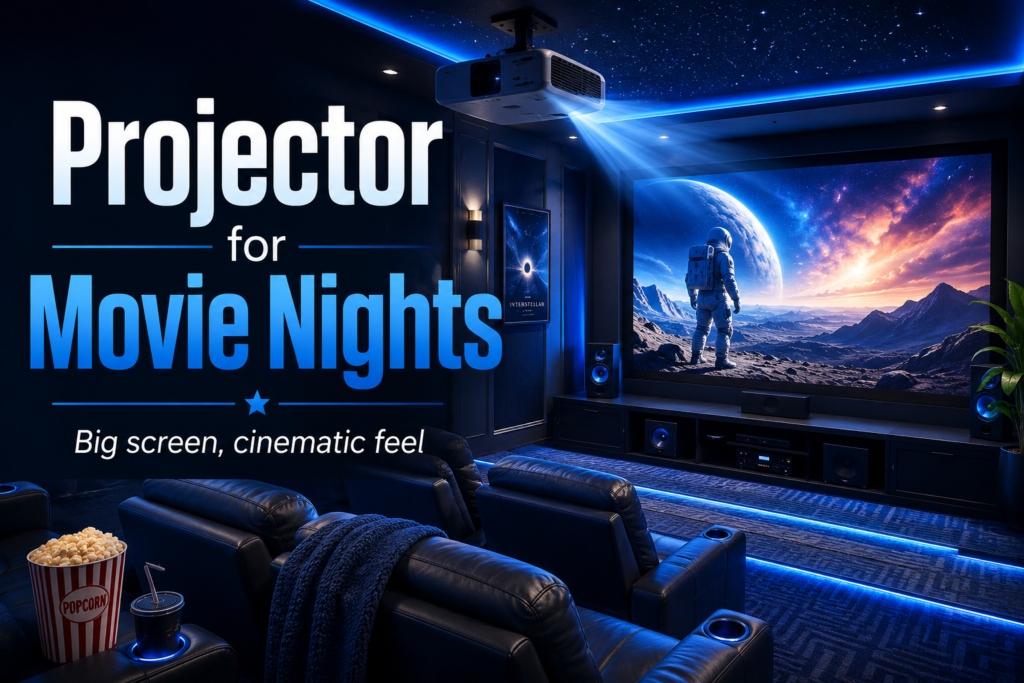
For a dedicated home theater room, a projector is often the better choice.
This is where a projector can really shine. If you have a basement, bonus room, spare room, or enclosed media room, you can design the entire space around the screen. You can darken the walls, control the lighting, position the seating, and create a full theater atmosphere.
A dedicated theater room gives you more control over:
- Paint colors
- Lighting
- Seating distance
- Speaker placement
- Cable management
- Acoustic treatment
- Screen size
- Room layout
This is the type of space where a 100-inch or 120-inch projector screen can feel amazing.
However, a large TV can still work beautifully in a dedicated theater room. If you want the strongest brightness, simpler setup, and less maintenance, a big TV may still be the right choice.
For a finished dedicated theater, sound also matters. Visit Speaker Placement Tips for a Home Theater vs. a Family Living Room and Acoustic Panels vs. Soundproofing for Home Theaters.
Sound Considerations
Whether you choose a TV or a projector, do not forget about sound.
A beautiful picture can only do so much if the audio feels thin, echoey, or unbalanced. TVs often have built-in speakers, but most home theaters benefit from a soundbar or surround sound system. Projectors sometimes have built-in speakers too, but they are usually not enough for a true home theater experience.
A good sound setup can make movies feel bigger, even if your screen is not enormous. A soundbar is the easiest upgrade for most rooms; a surround sound system creates a more cinematic experience, and acoustic panels can help reduce echo in dedicated theater spaces.
For more help, visit Soundproofing Techniques For A Home Theater and Acoustic Panels vs. Soundproofing for Home Theaters.
Helpful Amazon picks for sound
- Bose TV Speaker Soundbar — best for a simple audio upgrade
- LG 5.1 Soundbar with Wireless Subwoofer and Rear Speakers — best for a more cinematic setup
- Acoustic Panels for Home Theater — best for reducing echo in the room
Design and Decor Differences
A TV and a projector can create very different design styles.
A TV is always visible unless you hide it behind cabinet doors or use a frame-style TV. This can work well in a living room because the TV feels like part of the everyday space.
A projector screen can feel more cinematic, especially in a dedicated room. Some screens are fixed to the wall, while others can retract when not in use. A retractable screen can be a good option if you want the room to feel flexible.
Projector rooms often look best with darker walls, soft lighting, acoustic panels, and theater-style seating. TV rooms can be styled with media consoles, floating shelves, wall art, sconces, and cozy furniture.
For decor inspiration, visit Home Theater Wall Decor Ideas and Home Theater Accessories and Decor.
TV vs. Projector for Gaming
For gaming, a TV is usually the easier choice.
Many modern TVs are designed with gaming features like low input lag, high refresh rates, and gaming modes. They are also easier to use with game consoles, streaming apps, and everyday entertainment.
A projector can be fun for gaming because of the huge image, but you need to pay attention to input lag, brightness, and resolution. Not every projector is ideal for fast gaming.
Choose a TV for gaming if:
- You play fast-paced games
- You want the simplest console setup
- You want bright, sharp visuals
- You use the screen daily
- You care about low input lag
Choose a projector for gaming if:
- You want a huge casual gaming experience
- You mostly play slower games
- You have a dark room
- You choose a projector with gaming-friendly specs
Maintenance and Long-Term Use
A TV is usually lower maintenance than a projector.
With a TV, there is very little to adjust once it is installed. You may need to clean the screen, update software, or manage cables, but overall it is simple.
A projector may require more attention. Depending on the model, you may need to think about lamp life, filter cleaning, fan noise, dust, alignment, and screen care. Laser and LED projectors can reduce some maintenance, but the setup still requires more planning than a TV.
Also consider heat and airflow. Projectors and other home theater electronics need proper ventilation. For more help with comfort and equipment airflow, visit Home Theater Ventilation and Temperature Control.
The Best Choice by Situation
Here is a quick breakdown to help you decide.
Choose a TV if you want:
- Easy setup
- Bright picture
- Everyday use
- Sports and gaming
- Less maintenance
- Better performance in bright rooms
- A clean living room setup
- A simpler budget
Choose a projector if you want:
- A huge screen
- A cinematic experience
- A dedicated movie room
- A dark theater environment
- A dramatic focal point
- A more immersive movie-night feel
- A screen larger than most TVs
My Final Recommendation
If you are creating a living room media space, choose a large 4K TV. It will be easier to use, brighter in daylight, simpler to install, and better for everyday viewing.
If you are creating a dedicated theater room, choose a projector. A projector delivers the oversized cinematic feel that makes a true home theater feel special, especially when paired with dark paint, layered lighting, comfortable seating, and great sound.
If you are somewhere in the middle, ask yourself one question:
Will this room be bright and used every day, or dark and designed mainly for movies?
If the room is bright and multi-purpose, go with a TV. If the room is dark and movie-focused, go with a projector. Both TVs and projectors can create a beautiful home theater. The best choice depends on your space, not just the screen size. Before choosing, consider your lighting, seating distance, wall space, budget, sound setup, and how often you will use the room. When the screen fits the space, the entire theater feels better.
For more ideas, visit these related guides:
- Home Theater Accessories and Decor
- Best Paint Colors for a Cinematic Experience
- How to Choose the Perfect Home Theater Seating Layout
- Hidden Cable Management Ideas for a Clean Home Theater Setup
- Top Decorative Lighting Accessories For Home Theaters
- Speaker Placement Tips for a Home Theater vs. a Family Living Room
- Acoustic Panels vs. Soundproofing for Home Theaters

Lisa is the creator of Home Cinema Living. Together with her husband, a longtime home theater professional, she has spent years designing and enjoying home theater spaces that bring family and friends together for memorable movie nights.
I really stand by your point that lighting is the ultimate dealbreaker, because I’ve watched friends invest in expensive projectors for open living rooms only to constantly battle washed-out screens and glare. Honestly, I think a solid 4K TV is almost always the smarter play for a multi-purpose family space where you can’t realistically blackout every window or dim the lights for every movie night.
Do you feel like the newer ultra-short-throw models are finally bright enough to actually hold their own against modern Mini-LED TVs in a room with a few windows, or is that still just a compromise? I’m leaning toward sticking with a TV for my own setup, but I’d love to hear if you’ve seen any projector setups that genuinely work well in brighter, everyday spaces.
I agree, a good 4K TV is still the safer choice for most multi-purpose living rooms. Newer ultra-short-throw projectors are much brighter than older models, but brightness alone doesn’t solve the problem. Without a quality ambient-light-rejecting screen and some control over direct sunlight, they can still look washed out next to a modern Mini-LED TV. I’ve seen UST setups work really well in moderately bright rooms, especially when the windows aren’t directly facing the screen. But they’re usually a carefully planned system rather than a simple projector swap. For everyday viewing, sports, gaming, and daytime use, I’d stick with the TV. A projector makes more sense when the priority is achieving a truly cinematic screen size, and you’re willing to accept a few compromises.