
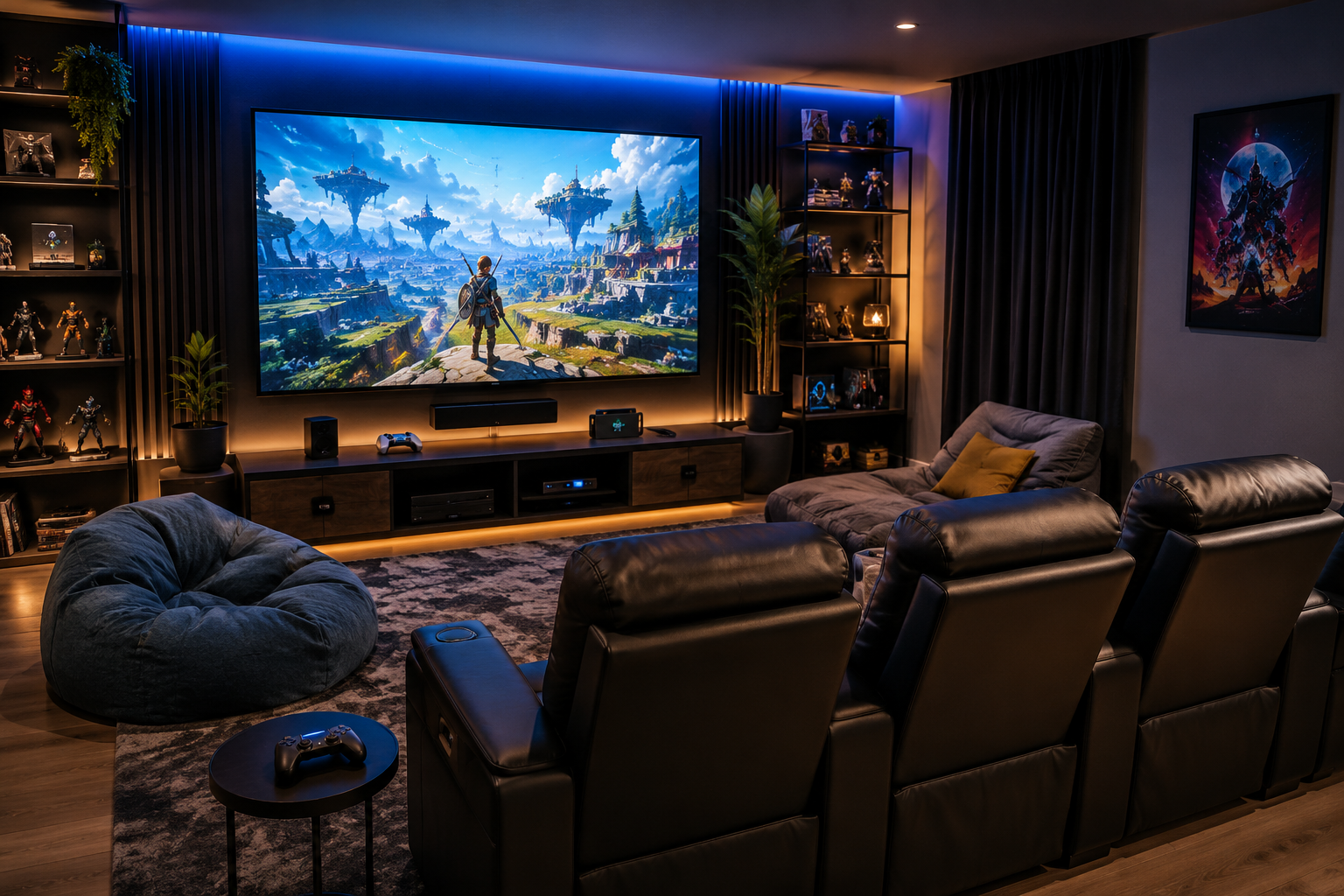
A home theater gaming setup can turn everyday play into a more immersive experience. A large screen, better sound, comfortable seating, and soft lighting can make video games feel bigger, more cinematic, and more fun for the whole family.
Whether you use a PlayStation, Xbox, Nintendo Switch, gaming PC, or a mix of systems, your home theater can work beautifully as a gaming room with a few smart setup choices.
In our home, the theater is not just for movie nights. It has also become one of our favorite places for gaming as a family. Whether we are playing casual party games, racing games, or something more competitive, the big screen makes it feel like more of an event.
Affiliate disclosure: This post may contain affiliate links. As an Amazon Associate, I earn from qualifying purchases at no extra cost to you.
Home Theater Gaming Setup: The Quick Guide
Here is a simple way to plan a gaming-friendly home theater setup:
| Setup Area | What to Focus On |
|---|---|
| Screen | Large TV or projector with game mode |
| Input lag | Use game mode and avoid extra image processing |
| Refresh rate | Look for 120Hz support if you play fast-paced games |
| HDMI cable | Use an Ultra High Speed HDMI cable for newer consoles |
| Seating | Recliners, sofas, bean bags, or floor chairs |
| Sound | Soundbar, surround sound, or gaming headset |
| Lighting | Bias lighting, LED strips, sconces, or dimmable accent lights |
| Console storage | Open shelving or ventilated media cabinet |
| Controller storage | Charging station, tray, or organizer |
| Cables | Cable ties, cable raceways, and cable management box |
| Multiplayer | Extra seating and clear walkways |
| Family setup | Easy snacks, controllers, and flexible seating |
A good gaming room design does not have to look like an arcade. For a home theater, the best design usually blends big-screen gaming with comfortable seating, organized consoles, soft lighting, and enough flexibility for both movies and games.
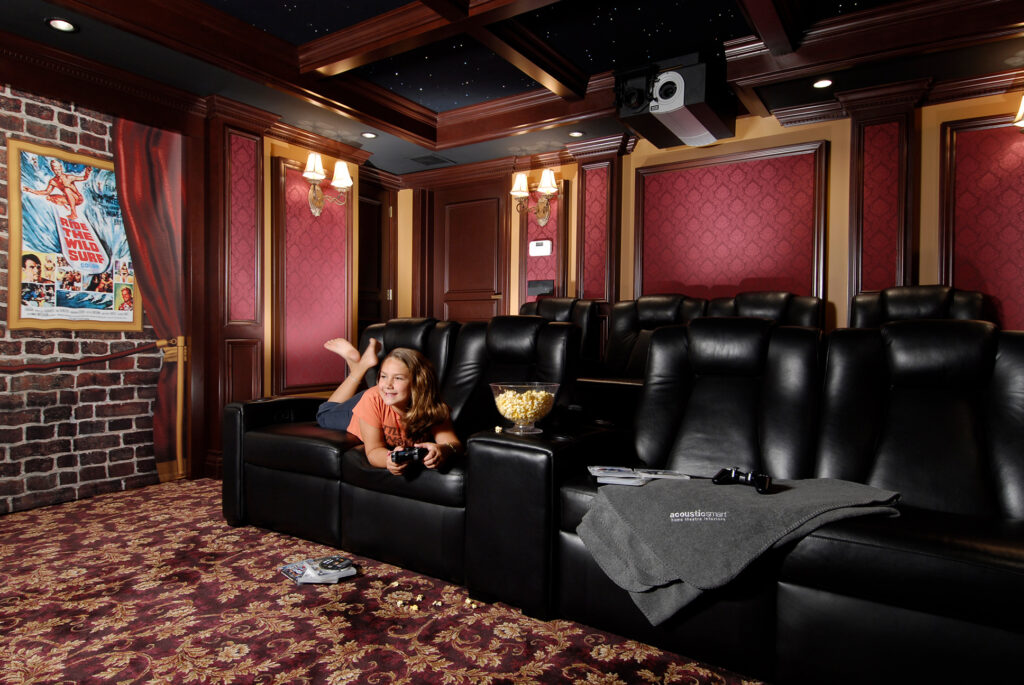
Why a Home Theater Gaming Setup Works So Well
A home theater is already designed for an immersive viewing experience, making it a natural fit for gaming. The large screen helps games feel more cinematic, while better speakers or a soundbar can make effects, dialogue, and music feel more powerful.
This type of setup works especially well for racing, sports, adventure, party, and family games. It can also make casual games feel more special because everyone can see the screen clearly.
For our family, the biggest difference is that gaming feels more shared in the theater room. Instead of one person sitting close to a smaller screen, everyone can spread out, watch, cheer, and take turns.
Choose the Right Screen for Gaming
The best screen for a gaming home theater depends on how you use the room. A large TV is usually the easiest option for everyday gaming because it is bright, simple to use, and often has gaming features built in.
A projector can feel amazing for big-screen gaming, especially in a darker room, but you need to pay closer attention to brightness, input lag, and room lighting.
For newer consoles, check whether your TV or projector supports features like game mode, 4K, HDR, and higher refresh rates. A larger screen can make games feel more exciting, but the room still needs to feel comfortable and easy to use.
For help deciding between a TV and a projector, see my guide to TV vs. Projector for Home Theater.
Think About Input Lag and Refresh Rate
Input lag is the delay between pressing a button and seeing the action happen on screen. For casual games, a tiny delay may not bother you much. For racing, sports, shooting, and competitive games, it matters more.
To improve gaming performance, turn on Game Mode on your TV or projector. This usually reduces extra image processing, so the game feels more responsive.
Refresh rate also matters. A 120Hz display can make supported games feel smoother than a basic 60Hz display. If you are using a newer console, make sure the screen, HDMI port, and cable can support the settings you want to use.
Helpful Amazon pick for gaming setup basics
This is one of the few gaming products I would include because it is useful, simple, and not style-dependent.
- Anker 8K HDMI Cable, 6.6 ft — best for newer consoles, 4K/120Hz gaming, eARC, and clean home theater connections

Comfortable Seating and Gaming Chair Ideas for a Home Theater
Comfort matters even more for gaming than for movie watching because people often sit forward, move around, pass controllers, or play for longer stretches. Recliners can work well for solo gaming, while sofas, sectionals, bean bags, and floor chairs can make multiplayer nights more comfortable.
You do not always need traditional gaming chairs in a home theater. Recliners, sofas, bean bags, floor chairs, and flexible seating can all work, depending on your kids’ ages, the size of the room, and how many people usually play together.
For a family room or mixed-use theater, I would focus on flexible seating. You may want one or two main recliners, plus casual seating that can be moved around when kids, teens, or guests are playing.
For more seating ideas, see my guide to How to Choose the Perfect Home Theater Seating Layout.
Helpful Amazon searches for gaming comfort
Gaming seating is very style-dependent, so searches are safer here than forcing exact picks.
- Floor Gaming Chair — best for kids, teens, and casual multiplayer nights
- Large Bean Bag Chair — best for flexible seating in a gaming media room
- Gaming Recliner Chair — best for solo gaming comfort
How to Optimize Gaming Audio in a Home Theater
Good gaming audio can make a home theater gaming setup feel much more immersive. You can hear background music, dialogue, crowd noise, engine sounds, footsteps, and environmental details more clearly.
The best sound system for gaming depends on your room, but many families do well with a quality soundbar, surround sound setup, or gaming headset.
A soundbar is usually the easiest upgrade for a living room theater or family gaming setup. A full surround sound system can feel more immersive in a dedicated theater room. Gaming headsets can also be helpful when one person wants to play without disturbing everyone else.
For soundbar ideas, see my guide to Best Soundbars for Home Theaters and Media Rooms.
One thing I like about gaming in a theater room is how much the sound changes the experience. Even simple games feel more exciting when the music and effects fill the room.

How to Set Up LED Lights for Gaming
If you want to set up LED lights for gaming, keep them soft, indirect, and away from the screen. The goal is to make the room feel fun without creating glare or distracting reflections.
Gaming room lighting should feel exciting, but it should not reflect on the screen or make the room too bright. Soft lighting behind the TV, along shelves, under seating, or around the room usually works better than bright overhead lighting.
Bias lighting behind a TV can help soften the contrast between a bright screen and a dark room. LED strips can also add a colorful gaming feel, especially for family nights, teens, or multiplayer games.
For more lighting help, see my guide to How to Layer Lighting in a Home Theater.
Helpful Amazon searches for gaming lighting
- LED Strip Lights for TV — best for a soft gaming glow behind the screen
- TV Bias Lighting — best for reducing eye strain during long gaming sessions
- LED Strip Lights for Shelves — best for lighting console shelves, game storage, or media cabinets
Keep Consoles, Controllers, and Cables Organized
A gaming home theater can get messy fast if controllers, headsets, HDMI cables, chargers, game cases, and remotes do not have a home. The easiest fix is to create one clear gaming zone.
Use a media cabinet, open shelf, or console table with enough ventilation for gaming systems. Keep controllers in a tray, charging dock, or organizer. Use cable ties and a cable management box to keep cords from taking over the room.
For more wire organization ideas, see my guide to Hidden Cable Management for a Clean Home Theater.
Helpful Amazon picks and searches for gaming organization
For this section, I would use a mix of practical gaming accessories and flexible searches because each family may use a different console.
- PlayStation DualSense Charging Station — best for keeping PS5 controllers charged and ready
- Xbox Controller Charging Station — best for organizing Xbox controllers
- Controller and Headset Stand — best for keeping controllers and headsets off tables and floors
- Cable Management Box — best for hiding power strips and extra cords near the TV

Create Space for Multiplayer Gaming
Multiplayer gaming needs more open space than a typical movie night. People may want to sit closer to the screen, switch seats, pass controllers, or gather snacks nearby.
If your theater has recliners, leave enough walkway space so people can move around without stepping over cords or blocking the screen. If kids or teens use the room often, add floor pillows, bean bags, or lightweight chairs that can be pulled out only when needed.
In our home, flexible seating makes gaming nights easier. Not everyone wants to sit in the main theater seats, especially when kids are playing together or switching turns.
Make the Room Work for Both Movies and Games
The best gaming home theater setup should still work beautifully for movie nights. You do not need to make the room look like an arcade unless that is your style.
To keep the room balanced, hide cables, choose dimmable lighting for movies, store controllers neatly, and avoid cluttering the room with too many gaming accessories. A simple setup often feels better than one with too much gear showing.
For more ideas on balancing a shared room, see my guide to Home Theater vs. Living Room: Which Setup Is Better?.
Future Trends: How Technology Is Changing Gaming in Home Theaters
Gaming in a home theater setup is becoming more than just connecting a console to a big screen. As technology improves, home theaters are starting to feel more interactive, flexible, and immersive for families who love both movies and games.
One of the biggest changes is how much smoother and more responsive gaming can feel on newer TVs and projectors. Features like game mode, higher refresh rates, better HDMI support, and improved picture settings can make a big-screen setup feel better for fast-paced games.
Sound is also becoming a bigger part of the experience. Surround sound, Dolby Atmos-style effects, soundbars, and gaming headsets can help players feel more connected to the game world. In a home theater, this can make racing, sports, and adventure games, as well as multiplayer nights, feel more exciting.
Lighting is another area that is changing. LED strips, bias lighting, smart lighting scenes, and accent lights can help the room shift from movie mode to gaming mode without a major redesign. This is especially helpful if the same space is used for movies, sports, and family game nights.
Cloud gaming and digital game libraries may also make home theater gaming easier over time. Instead of needing shelves full of game cases, families can keep the room cleaner and focus more on controllers, seating, sound, and screen quality.
Even with all the new technology, the best gaming home theater setup still comes back to comfort. A big screen is fun, but the room also needs good seating, organized controllers, clean cables, soft lighting, and enough space for everyone to enjoy the experience.
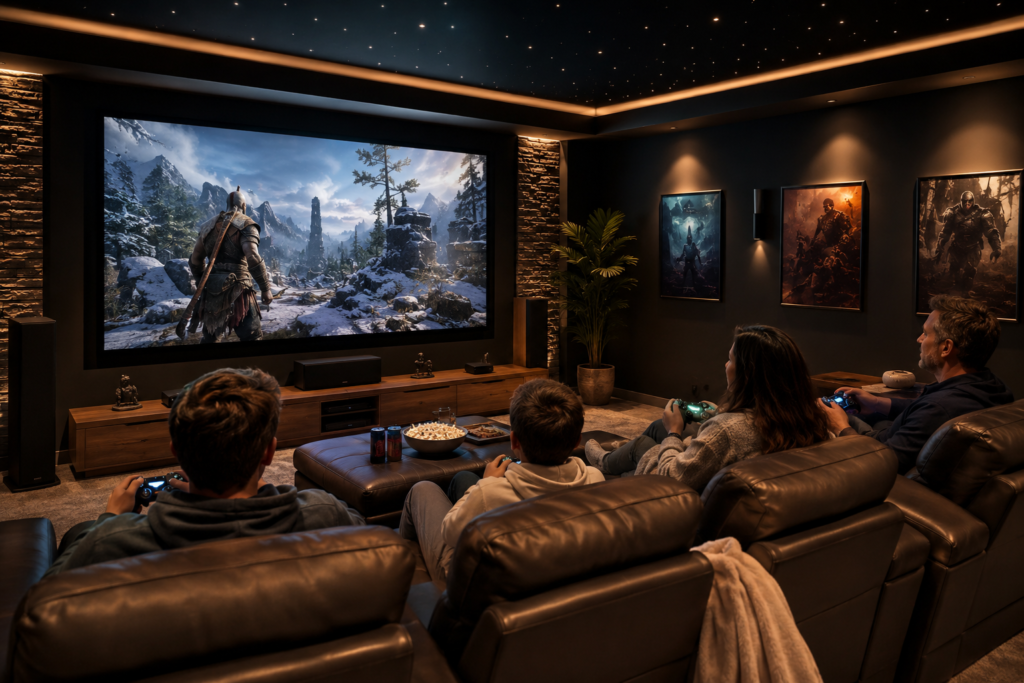
What Works for Our Family
Our home theater is not just for movies; it has also become one of our favorite places for family gaming nights.
For our family, the best gaming home theater setup is not the most complicated one. It is the one that is easy to use, comfortable, and quick to clean up afterward.
We like having controllers easy to reach, snacks nearby, and flexible seating so everyone can find a comfortable spot. The big screen makes games feel more exciting, but the organization matters just as much. If the room gets too cluttered with cords, controllers, and accessories, it stops feeling relaxing.
The goal is to make the space work for both movie nights and gaming nights without having to rearrange everything each time.
More Home Theater Setup Ideas
If you are creating a room that works for movies, gaming, sports, and family nights, these guides can help:
- TV vs. Projector for Home Theater
- How to Choose the Perfect Home Theater Seating Layout
- Best Soundbars for Home Theaters and Media Rooms
- How to Layer Lighting in a Home Theater
- Hidden Cable Management for a Clean Home Theater
- Home Theater vs. Living Room: Which Setup Is Better?
Frequently Asked Questions
Can you use a home theater for gaming?
Yes, a home theater can work very well for gaming. A large screen, comfortable seating, better sound, and soft lighting can make games feel more immersive and fun.
Is a TV or projector better for gaming?
A TV is usually easier for everyday gaming because it is bright and often includes game mode, HDMI 2.1, and higher refresh rate features. A projector can be great for big-screen gaming, especially in a dark room, but you should check input lag and brightness before choosing one.
What is input lag?
Input lag is the delay between pressing a button on your controller and seeing the action happen on screen. Lower input lag is better for fast-paced games.
Do I need a 120Hz screen for gaming?
You do not need 120Hz for every game, but it can make supported fast-paced games feel smoother. If you are buying a new TV for gaming, it is worth looking for game mode, HDMI 2.1, and 120Hz support.
How do I organize gaming consoles in a home theater?
Use a media cabinet, open shelf, or console stand with good airflow. Keep controllers on a charging station or tray, and use cable ties or a cable management box to keep cords neat.
How can I make a gaming home theater family-friendly?
Use flexible seating, keep controllers easy to reach, add soft lighting, create a snack zone, and keep cords tucked away. The goal is to make the room comfortable and easy to reset after gaming.
How do I create an immersive gaming environment at home?
Start with a large screen, game mode, comfortable seating, good sound, soft lighting, and organized controllers. The room should feel exciting yet still be easy to use and clean up after gaming.
What is the best sound system for gaming in a home theater?
The best sound system for gaming depends on your room and budget. A soundbar is simple and works well for many living rooms, while surround sound can feel more immersive in a dedicated theater room. A gaming headset is also helpful when one person wants to play without disturbing others.
Final Thoughts
A home theater gaming setup can make your room more useful and more fun. With the right screen settings, comfortable seating, organized controllers, soft lighting, and clean cable management, your theater can work for movies, gaming, sports, and family nights.
You do not need to make the space overly complicated. Start with the basics: a good screen, comfortable seating, easy sound, organized gear, and lighting that feels fun without being distracting. From there, you can add the gaming accessories that best fit your family and your room.

Lisa is the creator of Home Cinema Living. Together with her husband, a longtime home theater professional, she has spent years designing and enjoying home theater spaces that bring family and friends together for memorable movie nights.
The part about making one room work for both movies and games really stood out to me because that is exactly where our setup becomes a little frustrating. Gaming works better with Game Mode and some soft lighting behind the screen, while movie night feels nicer with different picture, sound, and lighting settings. Switching everything sounds simple, but in practice someone always forgets what was changed, and the next person wonders why the movie suddenly looks strange. Do you recommend creating separate saved presets for gaming and movies, especially when using a projector and surround sound, or is there a simple way to switch the screen, receiver, and lights together without adjusting each one separately every time?
Thanks for your thoughtful comment! I know exactly what you mean; it can get frustrating when everyone has different preferences, and no one remembers what was changed last. I definitely recommend creating separate presets for movies and gaming if your TV, projector, and AV receiver support them. It makes switching between the two much easier and keeps the picture and sound optimized for each activity. If you’re using smart lighting, you can also create scenes or routines so the lights change automatically with a tap of a button or voice command. Once everything is set up, switching from game night to movie night becomes quick and hassle-free. Thanks for bringing up such a great point!
The picture that starts off your post looks so inviting that I think I would never get any work done if I had a room like that. The large screen and the lighting can make all the difference.
I was interested to read the section on the lag and refresh rate, as we tend to get a lot of lag on some of the games and also when streaming some movies. I used to think it was the internet, which could be part of problem, but we will try to add a 120Hz display rather than our display to see if it makes a difference.
Thanks so much! A 120Hz display could make a noticeable difference, so I’d love to hear how it works out for you!